

Jay Rocco is the Founder and Editor of FullStack Alpha. He has tested 200+ AI stock tools since 2022 and run 15+ AI trading platforms on live accounts with his own money. He reviews the software. He does not tell you what stocks to buy.
Last updated: September 25, 2026
Quick answer: ETRADE paper trading lets you practice stock and options orders with fictitious money through Power ETRADE before risking a live account. Start from E*TRADE’s official site, open the practice environment, confirm its simulation label, and rehearse a small trade. The advertised virtual balance is $100,000, but simulated profits cannot be withdrawn or converted into cash.
Key takeaways
- Power E*TRADE is the relevant product family; don’t assume the standard E*TRADE app has the same practice controls.
- E*TRADE’s simulator helps you learn order entry, an options chain, and position management.
- Stocks and options are the main focus here; verify futures availability separately.
- E*TRADE’s paper-account disclosure says customer service has limited access and does not support those accounts.
- A trade journal helps separate a good decision from a lucky fill.
- FullStack Alpha’s approach here is desk research using supplied sources, not claimed hands-on testing.
What information, accessibility, and platform support should you check first?
Start by checking the official Power E*TRADE product page, your account eligibility, and the device you intend to use. App availability, account access, and paper-trading access are separate questions.
The tool helps existing E*TRADE customers rehearse a stock trade or an options trade without sending that order to a live market. It is useful for learning controls and building a routine. It cannot prove future performance.
Use the official E*TRADE homepage as your starting point. A search result, app-store preview, or old desktop tutorial may describe a different version.
App information, accessibility, and supports
Before installing an app, check its developer, operating-system requirements, and update date. Then test text size, contrast, keyboard access where available, and whether the order confirmation remains readable.
Accessibility needs are personal. A good desktop view for one person may be difficult to use on a phone. Don’t infer screen-reader support from a clean screenshot.
Wallet support is a separate feature
Any Wallet reference concerns an app’s supported financial features, not the simulator’s fictitious balance. Paper funds have no actual value and cannot pay for products or services.
Decision rule: If you cannot reliably distinguish the practice view from the live view, stop before entering orders.
Searching “etrade paper trading”? How do practice accounts work?
E*TRADE paper trading provides a simulated version of the brokerage workflow, allowing you to place practice orders and review virtual positions. The simulator is an educational feature, not a separately funded investment account.
Your order goes into a simulation rather than the live market. You can study the trade ticket, watch changes in position value, and learn how a position appears in the portfolio view.
That helps with mechanical mistakes: selecting the wrong expiration date, entering the wrong share size, or confusing a buy-to-open instruction with a closing order.
Why practice instead of trading with real money?
Practice removes the financial cost of learning the controls. You still need to learn the market, but you don’t need to pay tuition through an avoidable order-entry mistake.
A simulator also exposes weak rules. If every trade has a different entry and exit plan, the performance record is hard to interpret. Start with a method for finding a trading edge, then test that method.
Is E*TRADE paper trading free?
E*TRADE presents paper trading as a practice feature rather than a separately priced simulator subscription. Check current access conditions and any market-data terms before assuming every feature is included. Live commissions, contract charges, borrowing costs, and other account expenses are separate.
A search such as “paper trading etrade” should lead you back to the official platform, not to a site demanding payment for a practice-account download.
What are the 5 steps to open an E*TRADE practice account?
Use the official Power E*TRADE entry point, find the paper environment, and confirm simulation mode before submitting anything. The workflow below describes the practical checks; exact menu wording can change with the app version or desktop release.
Step 1: Start at E*TRADE and check account access
Open the official E*TRADE site and sign in through its secure account flow. If you are not a customer, check the current account-opening and practice-access requirements.
Don’t fund a live account merely because a third-party tutorial says you must. Confirm the actual requirement first.
Step 2: Find Power E*TRADE
Use the platform area to locate Power ETRADE. On a phone, choose the Power ETRADE app rather than assuming the flagship app has the same functions.
The official Power E*TRADE page is the product reference. Download only through an official link or a verified developer listing. There is no reason to install a random “paper trading” file from a search advertisement.
Step 3: Open the paper environment
Look for the Paper Trading entry point in the available launch or sign-in flow. If it is missing, check your app version, device support, and current access conditions.
Once inside, find an explicit practice or simulation indicator. Check the account selector and buying-power display. A large balance alone does not prove you are in paper mode.
The stated virtual balance is fictitious; simulated securities are not actually bought, sold, assigned, or delivered.
Step 4: Rehearse a small, simple order
Start with a familiar stock and a limit order, which sets the most you will pay when buying. Inspect the ticker, direction, quantity, price, and duration.
For options, open the chain and check the expiration date, strike, call or put, and contract quantity. Then review the trade’s risk before submitting. E*TRADE’s options education explains the workflow and its risks.
Avoid starting with a complicated spread just because the app lets you build one.
Step 5: Close, reconcile, and journal the trade
Practice exiting the position. Compare the order status, fill record, open-position view, and closed result.
Record the setup, entry, exit, size, and whether you followed the plan. If the portfolio day field looks wrong, compare its definition with total profit or loss before calling it a bug.
Use the position-size calculator to plan risk independently of the simulator’s generous buying power.
Who should use E*TRADE paper trading, and what do ratings and reviews tell you?
E*TRADE practice accounts fit options learners, swing traders rehearsing orders, and day traders building execution habits. They are less useful for scalpers trying to prove speed-sensitive performance or long-term investors who only need occasional basic purchases.
Cleaner app with caveats
A clean app view can reduce the learning curve, but fewer visible controls may mean more taps. Compare the mobile view with the desktop view before choosing your main workspace.
A swing trader can use the watchlist, examine price action, and practice an entry near support and resistance. Those are price areas where buying or selling has previously interrupted a move.
Lots of potential; execution needs checking
Options practice is useful because the chain contains details that are easy to mix up. A good chain view makes expiration, strike, and direction easier to inspect.
But a good simulated fill does not establish live execution quality. Paper performance can flatter a strategy when a real order would wait, fill partly, or miss.
Does an “app unreliable” review settle the question?
No. A review needs a date, app version, device, and a reproducible issue. Public user sentiment can identify questions to investigate; it cannot establish that every customer has the same bug.
No review averages or invented user quotes are used here. Treat each developer response as a lead, not proof that fixes reached your version.
Is it exceptionally good for slow trading?
Slow trading gives you more time to check the ticket and inspect the chain. That makes simulation useful for deliberate swing-trade practice, but “exceptionally good” is a user judgment, not a measured performance claim.
For a scalper, tiny delays and queue position matter more. Paper results provide weaker evidence for that style.
Source-backed numbers
$100,000 in fictitious money: E*TRADE advertises this practice balance. Set your own smaller risk budget rather than treating all available buying power as usable.
Up to 120 tools and charts across six workspaces: The current Power E*TRADE Pro description advertises this desktop capacity. It does not guarantee identical simulator or mobile access.
16 chart types: The Pro description also lists more than 120 technical studies and over 30 drawing tools. More chart choices do not substitute for a defined trade plan.
What are the top 5 features, and what should you check in “What’s New”?
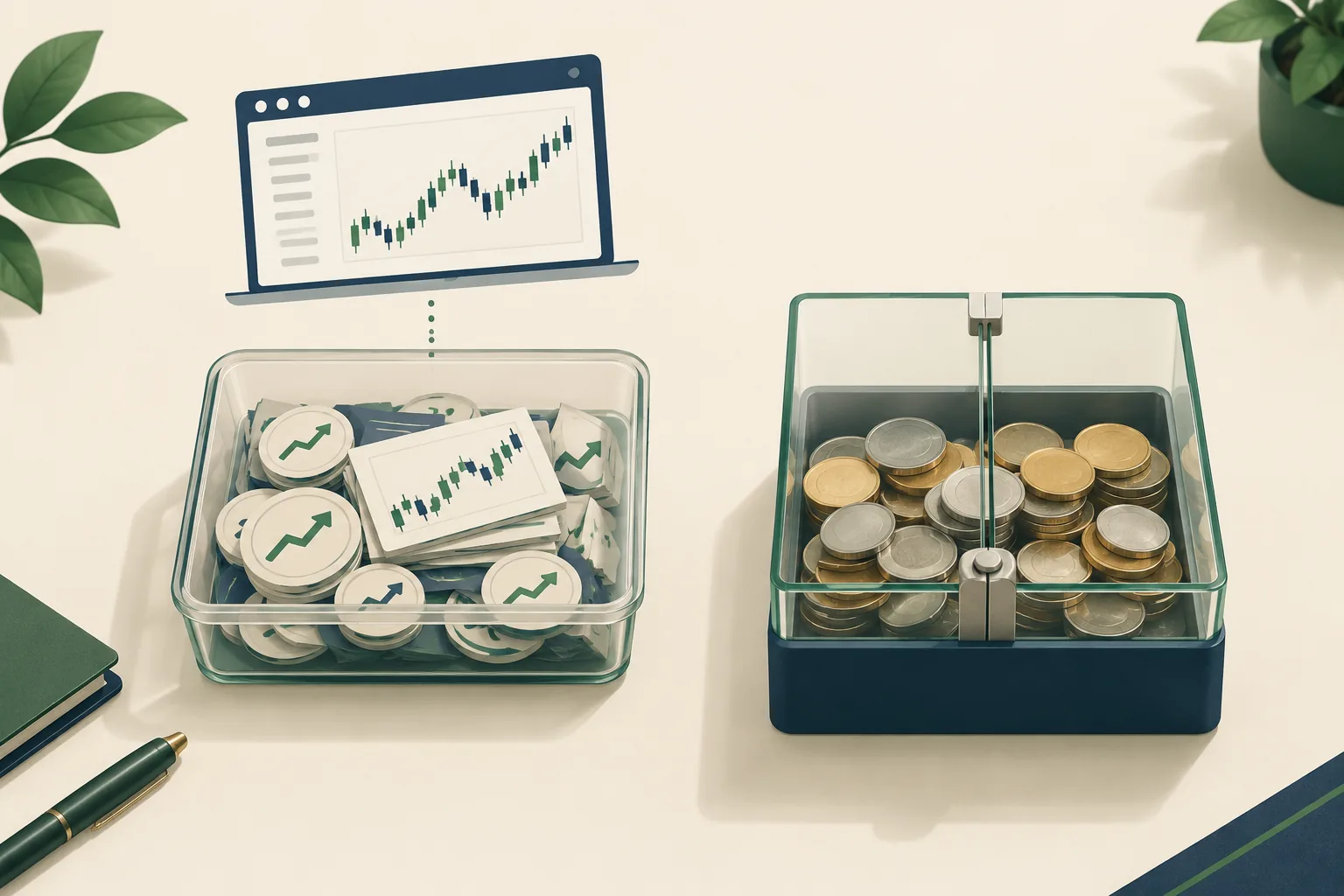
The most useful E*TRADE paper-trading features support order practice, risk inspection, and review. Feature availability can differ between the app, browser, desktop product, and practice version, so inspect your actual workspace.
- Practice orders: Learn ticket controls without committing live capital.
- Options-chain workflow: Check expiration, strike, and contract direction before a trade.
- Risk analysis: Examine possible outcomes rather than guessing from the premium.
- Charts and watchlists: Keep a repeatable setup separate from random stock browsing.
- Position review: Compare intended orders with the resulting simulated holdings.
How should you read version history and developer notes?
“Bug fixes” and “performance improvements” are broad release descriptions. They do not establish which bug was fixed, which screen changed, or whether the improvements affect paper mode.
After an app update, repeat the same checks:
| View or function | Bug check | What useful fixes or improvements would show |
|---|---|---|
| Sign-in view | Session loop or blank screen | Access works after reopening |
| Stock ticket | Wrong quantity retained | Ticket resets as expected |
| Options chain | Stale expiration or strike | Chain selection matches the ticket |
| Orders view | Missing status change | Status agrees with the fill record |
| Portfolio view | Day result differs unexpectedly | Definitions and calculations reconcile |
| Desktop layout | Panels fail to reload | Saved workspace returns correctly |
Record the date, version, and device. A performance complaint without those details is difficult to investigate.
Don’t read scraped fragments such as “version bug fixes,” “bug fixes performance,” or “fixes performance improvements” as separate features. Strings such as “performance improvements 2025,” “improvements 2025 version,” and “performance improvements jul” describe old indexing context at best, not verified current fixes.
The same applies to clipped phrases such as “day field show,” “portfolio day field,” and “field show.” There is no benefit in diagnosing a bug from a broken search preview.
How does E*TRADE paper trading compare with other platforms?
Choose ETRADE paper trading if learning ETRADE’s own workflow is your main objective. Choose another simulator when its assets, chart controls, or practice environment better match the account you expect to trade live.
Comparison guides can help build a shortlist, but current product terms still need checking. See the supplied paper-trading app directory and virtual-options simulator comparison.
| Practice product | Assets | Options support | Data | Cost check |
|---|---|---|---|---|
| Power E*TRADE | Stocks, ETFs, options; verify futures | Practice chain workflow | Check timestamps and terms | Practice feature; verify access |
| thinkorswim paperMoney | Check current instrument coverage | Options-focused rehearsal | Check account entitlements | Check guest and customer terms |
| Webull | Check regional simulator coverage | Verify supported strategies | Check quote subscriptions | Check optional data charges |
| TradingView | Check symbol and simulation support | Not a like-for-like options-chain choice | Depends on feed and exchange | Plan and data charges can differ |
You might also like these alternatives
thinkorswim paperMoney deserves consideration if you intend to use thinkorswim live and want options practice. Webull suits readers comparing mobile-first order workflows. Review their current capabilities rather than assuming every simulated order type matches E*TRADE.
moomoo belongs on the shortlist for readers comparing stock research and mobile practice. TradingView is worth considering for chart-first rehearsal. Availability varies by product and region.
More by E*TRADE Securities
An app from the same developer can serve a different purpose. Compare Power E*TRADE with the standard app by task, not branding. The official product page explains the platform family.
For futures, use a futures-simulator comparison, then verify the actual contract and data feed.
What are the limits of E*TRADE paper trading?

The main limits are simulated execution, uncertain feature parity, and paper-account support restrictions. A practice account can teach the workflow without reproducing the financial pressure or full execution conditions of a live trade.
How realistic is practice performance?
A simulator cannot fully reproduce your place in an exchange queue, available liquidity, or hesitation after a loss. Options spreads can be especially sensitive to the difference between a displayed quote and an executable price.
Don’t count a trade as convincing merely because the simulated order filled. Record the bid and ask where available, and question fills that look too generous. Compare forward practice with careful backtesting.
Does E*TRADE paper trading have real-time data?
Do not assume it does for every instrument or account. Check the quote timestamp, delay indicator, and current data agreements inside your practice environment.
A moving chart does not prove live data. The public product description alone is insufficient to establish every simulator entitlement.
Can you practice futures?
The live Power E*TRADE product family advertises futures and options on futures. That does not prove identical futures access in paper mode.
Before a futures trade, confirm the contract, expiration, tick value, session, and simulator support. Futures risk differs from stock risk; don’t paste stock position-sizing assumptions into a futures ticket.
How long does an account remain active, and does it reset?
The supplied official sources do not establish a universal paper-account expiration or retention period. Check the terms attached to your current access, and save your journal outside the simulator.
A reset may remove the history you need to evaluate performance. Never assume app reinstalls, version changes, or access renewal preserve virtual positions.
What beginner mistakes distort the results?
Oversizing, resetting losses, and ignoring costs make practice performance less useful. Another mistake is changing the setup after every losing trade.
Practice a clean setup with defined risk-reward. If you trade the breakout, state what invalidates it. A bull trap is a breakout that reverses and catches late buyers; learning that pattern does not require repeatedly paying for it.
Getting stopped out is part of following a stop loss. Moving the stop because the trade “should work” is a different decision.
What if the app seems unreliable?
Separate a display bug from an order-state problem. Save the date, version, screenshot, connection details, and steps that reproduce the bug.
Check pending orders before resubmitting. Repeated taps can create other problems in a live account. E*TRADE says its service team has limited access to, and does not support, paper accounts.
What do app privacy, linked data, and regional availability mean?
Paper mode does not make your app activity anonymous, and an international app-store listing does not establish brokerage eligibility. Review the current privacy notice and account conditions before supplying personal information.
Data linked to you
“Data linked to you” generally means collected information associated with your identity or account. Review the actual app privacy disclosure for categories, purposes, and developer statements.
Do not infer E*TRADE’s current collection practices from a search snippet. Start with links supplied through the official website.
Data not linked to you
“Data not linked to you” describes a different disclosure category, not a promise that the app collects nothing. Privacy practices can vary by feature and version.
Clipped strings such as “data linked following,” “linked following data,” “following data collected,” “data collected linked,” and “collected linked identity” are not readable privacy policies.
United States and Canada; Europe
Check residency eligibility separately from app access. A storefront in Canada or Europe does not establish access to the same products and services available through a U.S. account.
Africa, Middle East, and India; Asia Pacific
Confirm account eligibility, local restrictions, and support arrangements through E*TRADE. Don’t use a regional store selector as an account-opening answer.
Latin America and the Caribbean
A Spanish-language or “espa” search fragment is not evidence of local account support. Verify the actual language options and legal account terms.
How can a session journal improve your paper-trading review?
A journal turns individual paper trades into a record you can inspect for rule-following and average results. Log entry price, exit price, and size for every trade. Win rate includes all recorded trades; expectancy is average profit or loss per trade. Flat trades count as neither winners nor losers but remain in the denominator.
Keep the log in a spreadsheet you control, not inside the simulator.
For deeper review, the trading expectancy calculator helps connect win rate with average gains and losses. A high win rate can still accompany poor performance if losing trades are much larger.
Our Take
Your next E*TRADE paper trade should prove that you can enter, manage, close, and explain an order without guessing. Choose a familiar stock or a simple options position, confirm practice mode, and save the result.
Don’t graduate to live money because the portfolio is green. Move only after you can follow your rules, reconcile the account view, and explain the simulator’s limits. The expensive mistake is confusing familiarity with skill.
References
These are the source pages used for product descriptions and comparison context. Publication dates are not added where the supplied source record does not establish them.
Picking a broker is one decision. Compare the tools around it in FullStack Alpha’s directory of 200+ tools, grouped by category and price.
Browse the FullStack Alpha directory.
Affiliate disclosure: FullStack Alpha may earn a commission from qualifying purchases through affiliate links.
By Jay Rocco, Founder and Editor, FullStack Alpha.
Stay alpha.
Frequently Asked Questions
Can you do paper trading on ETRADE?
Yes. E*TRADE advertises paper trading through Power E*TRADE, using fictitious money to rehearse the brokerage workflow. It helps customers practice stock and options orders before risking live funds. Verify the simulation indicator and available instruments inside your account; live platform features do not automatically establish paper-mode coverage.
Which brokerage is best for paper trading?
The best choice depends on the live workflow you expect to use. E*TRADE is a sensible fit for existing customers learning its options tools. thinkorswim, Webull, and other simulators deserve comparison when their interface or supported assets better match your needs. Check data terms and realistic order support before choosing.
Can you make $1000 a day with day trading?
A trader can have a profitable day of that size, but it is not a dependable income promise. Paper profits provide no assurance of live earnings. Capital, position size, costs, and losses all affect the result. E*TRADE’s simulated balances have no actual value, so they cannot fund withdrawals or living expenses.
Is E*TRADE Pro discontinued?
Distinguish the legacy E*TRADE Pro name from the currently advertised Power E*TRADE Pro desktop product. The official page supplied for this article promotes Power E*TRADE Pro. That does not establish the access status of every older installation. Existing users should check account notices rather than treating old tutorials as current migration guidance.
Can you paper trade on E*TRADE using the mobile app?
Use the Power E*TRADE product family rather than assuming the standard E*TRADE app has the same practice entry point. Check the current app version and look for Paper Trading in its access flow. If the control is absent, verify eligibility and availability before following an older mobile tutorial.
Can you day trade in an E*TRADE paper account?
You can rehearse intraday decisions where the simulator supports the instrument and order type. Use the correct trading hours and check quote timing. Paper activity does not establish live account permissions, buying power, or applicable restrictions. Review the [math behind day trading](https://aistockpickerapps.com/blog/day-trading-is-it-worth-it-the-math-most-people-skip) before making daily income your target.
Can you switch from paper trading to real money?
You can move from practice to an eligible live brokerage account, but virtual cash and positions do not transfer into real assets. Live trading requires actual funding and any relevant permissions, including options approval. Recheck the account selector, reduce size, and confirm the live ticket before submitting an order.
Jay Rocco is the Founder and Editor of FullStack Alpha. He has tested 200+ AI stock tools since 2022 and run 15+ AI trading platforms on live accounts with his own money. He reviews the software. He does not tell you what stocks to buy.
