

The FullStack Alpha research desk tests AI trading bots on paper and live accounts. Reviewed and edited by Jay Rocco, Founder and Editor.
By FullStack Alpha Editorial Team | Reviewed by Jay Rocco, Chief Editor
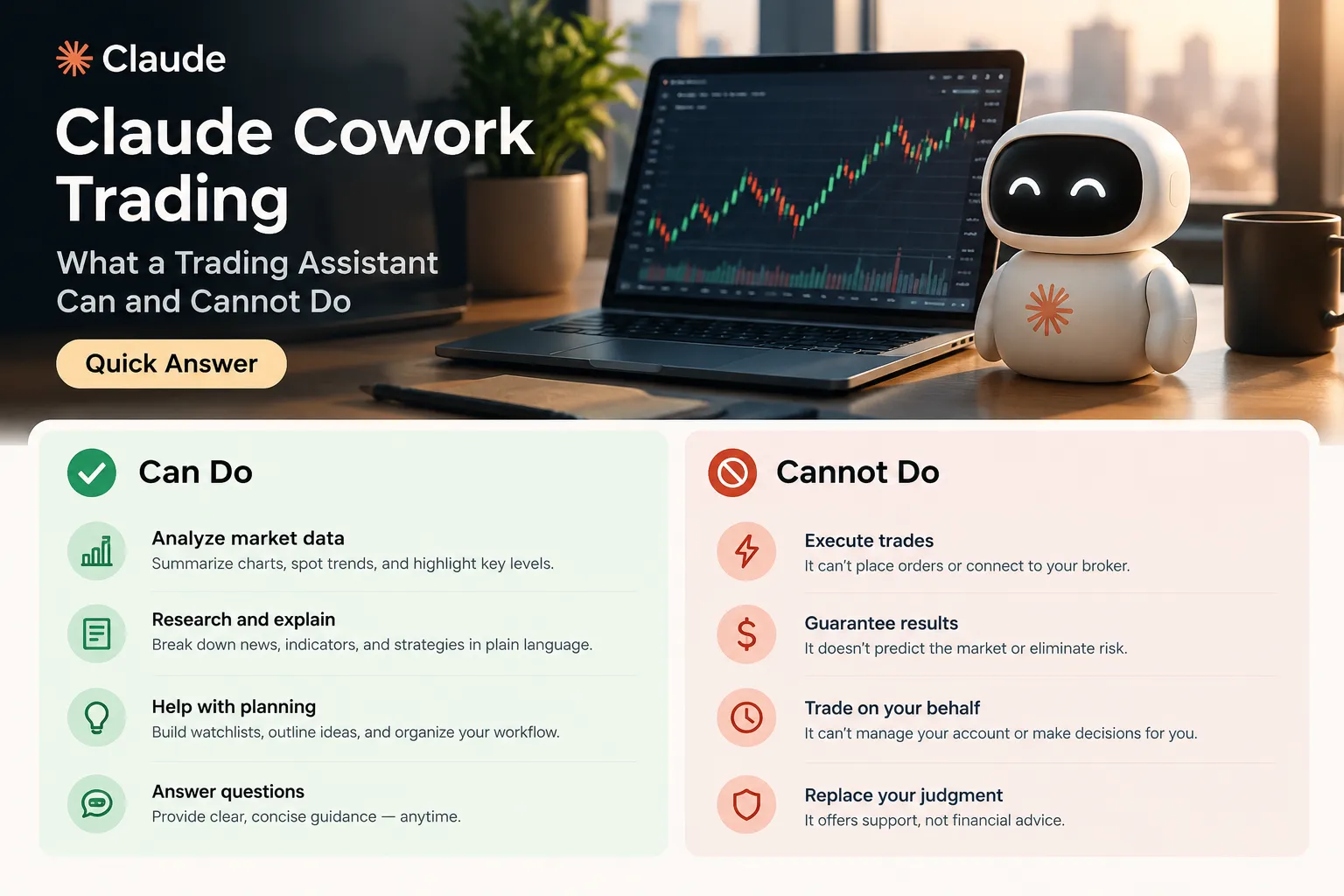
Claude cowork trading means using Anthropic’s Claude Cowork, the agent mode that runs multi-step tasks across your files and connected apps, as a research and admin assistant for your trading process. It can summarize filings, build a watchlist table, tidy a trade journal, and draft code. It cannot safely place live orders, size your positions, or be trusted on a number you haven’t checked against the primary source. Anthropic said on September 16, 2026 that Cowork and Claude chat are merging into one Claude, so the branding is shifting under your feet. The first safe step: run it read-only on last week’s trades and verify every figure it produces.
What You Should Know
- September 16, 2026, Anthropic announced Cowork and Claude chat are becoming one Claude, rolling out first to Pro and Max on web, desktop, and mobile.
- October 6, 2026, Anthropic’s Help Center states new Cowork tasks on Pro and Max run in the cloud; older local tasks started before that date may need the desktop app left open.
- October 21, 2026, Anthropic introduced Claude Duet as a research preview for Pro and Max, described as a proactive agent working across connected apps.
- FINRA’s 2026 Annual Regulatory Oversight Report names “Summarization and Information Extraction” as the leading generative AI use case among member firms.
- FINRA also warns AI systems hallucinate, misread rules, and use stale market data. Pricing changes often at Anthropic, so check the official plan page rather than any number you read in a blog.
What Is Claude Cowork Trading?
Claude cowork trading isn’t a product Anthropic sells. It’s a workflow: you point Claude Cowork, Anthropic’s agentic task mode, at the boring parts of your trading operation and keep your hands on the actual trades.
Here’s what’s confirmed as of October 2026 from Anthropic’s own pages. Claude Cowork launched as a mode where Claude works through longer, multi-step jobs instead of answering one question at a time. It can read a folder of files, write code, browse, and produce output documents including PowerPoint and PDF. The Claude Help Center lists Cowork availability on Pro, Max, Team, and Enterprise, with access varying by platform and admin settings, and Enterprise sometimes requiring administrator enablement.
Then the naming got fuzzy. On September 16, 2026, Anthropic published that Cowork and chat are now one Claude, so you no longer choose which box a request belongs in. Claude decides whether to answer directly or spin up a larger task. The rollout started with Pro and Max on web, desktop, and mobile, with Team, Free, and Enterprise to follow.
So “claude cowork” is a capability that’s being folded into the main product, not a separate app with its own permanent door. Write your process around what the agent does, not what the button is called this quarter.
A few terms worth defining before we go further, because this space loves jargon:
- Agent mode, the model runs a sequence of steps on its own (read, search, write, repeat) instead of replying once.
- Connectors / MCP, the plumbing that lets Claude reach an outside app or data source. MCP is Anthropic’s open standard for those connections.
- Claude Code, Anthropic’s developer-facing tool for writing and running code. When people say “claude code trading,” they usually mean using it to write a backtest or a data script, not to trade.
- Broker API, the programmatic door into your brokerage account. Opening it is a decision with real consequences.
For traders, the honest framing is this: Cowork is a very fast junior analyst with excellent reading comprehension and zero accountability. That’s useful. It’s also a liability if you forget the second half of the sentence.
Does Claude Cowork Still Exist?
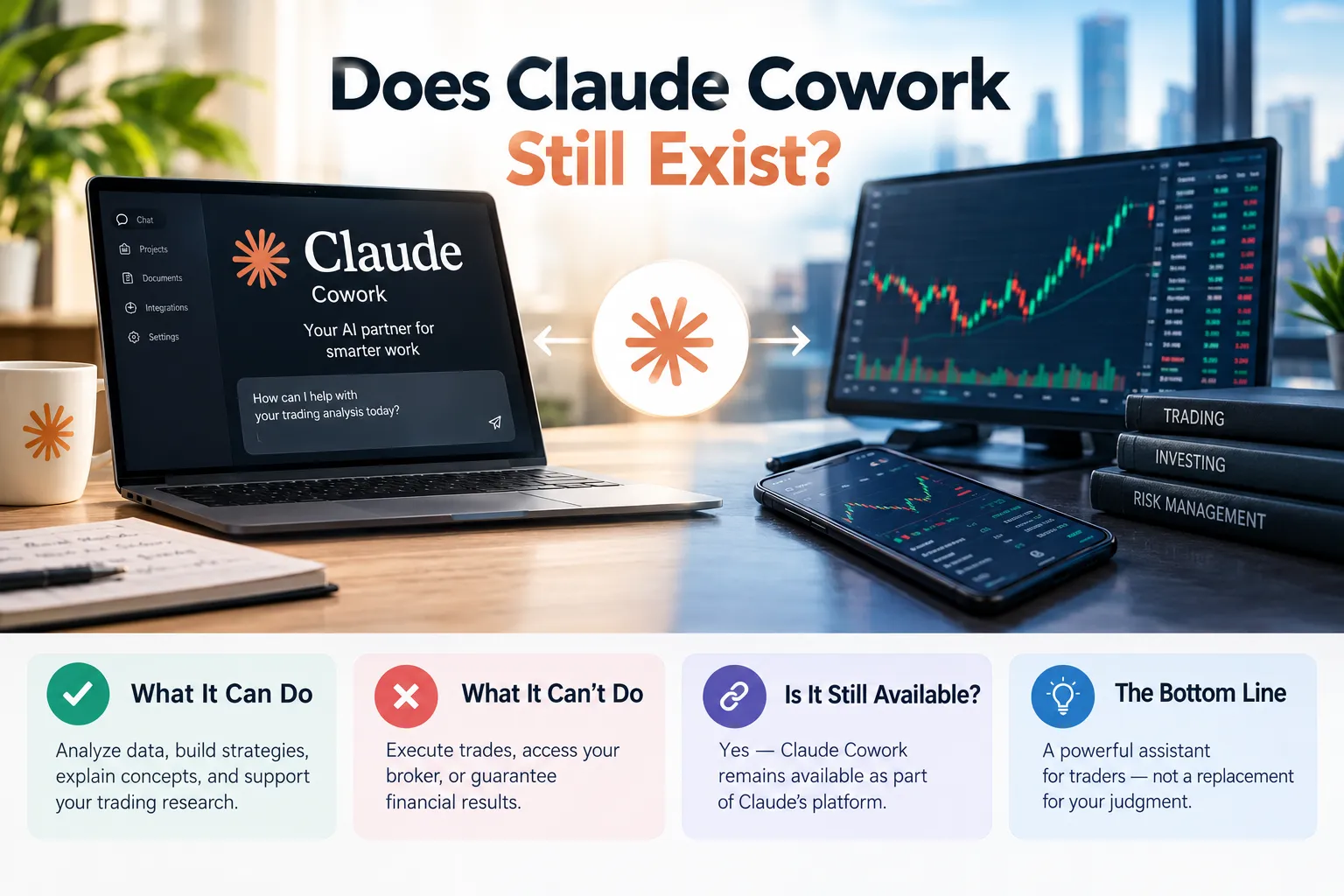
Yes, but as a mode inside Claude rather than a separate destination, following Anthropic’s September 16, 2026 announcement that Cowork and chat merged into one Claude. The capability is alive. The standalone identity is being absorbed.
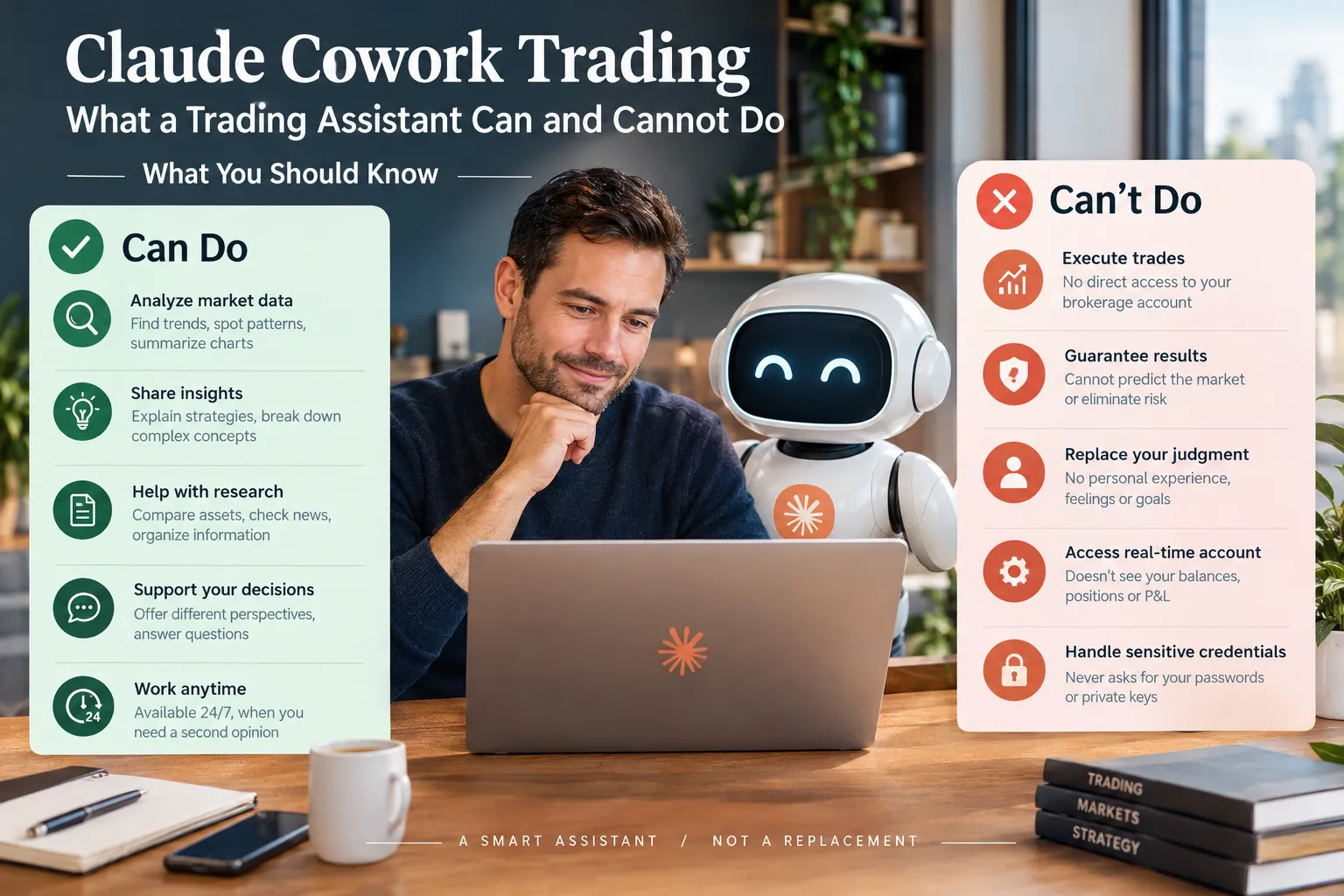
What Anthropic’s pages confirm as of October 2026:
- The merged experience can produce documents and presentations inside the same conversation, including downloadable PowerPoint and PDF files.
- The Help Center’s Cowork getting-started page still lists Pro, Max, Team, and Enterprise access and still documents the October 6, 2026 cloud-execution change.
- On October 21, 2026, Anthropic launched Claude Duet as a research preview for Pro and Max, described as a proactive agent that works across connected applications in the background.
Duet matters to anyone building a trading routine, because “proactive” and “background” are the two words that turn a helpful tool into something you need permissions and logs for. An agent that acts while you’re not watching is an operational system, not a chat window.
Practical takeaway: don’t hard-wire your workflow to a product name. Write your rules around behaviors (reads files, runs tasks, touches external apps) so a rebrand doesn’t break your process or your risk controls.
What Can a Claude Cowork Trading Assistant Do?
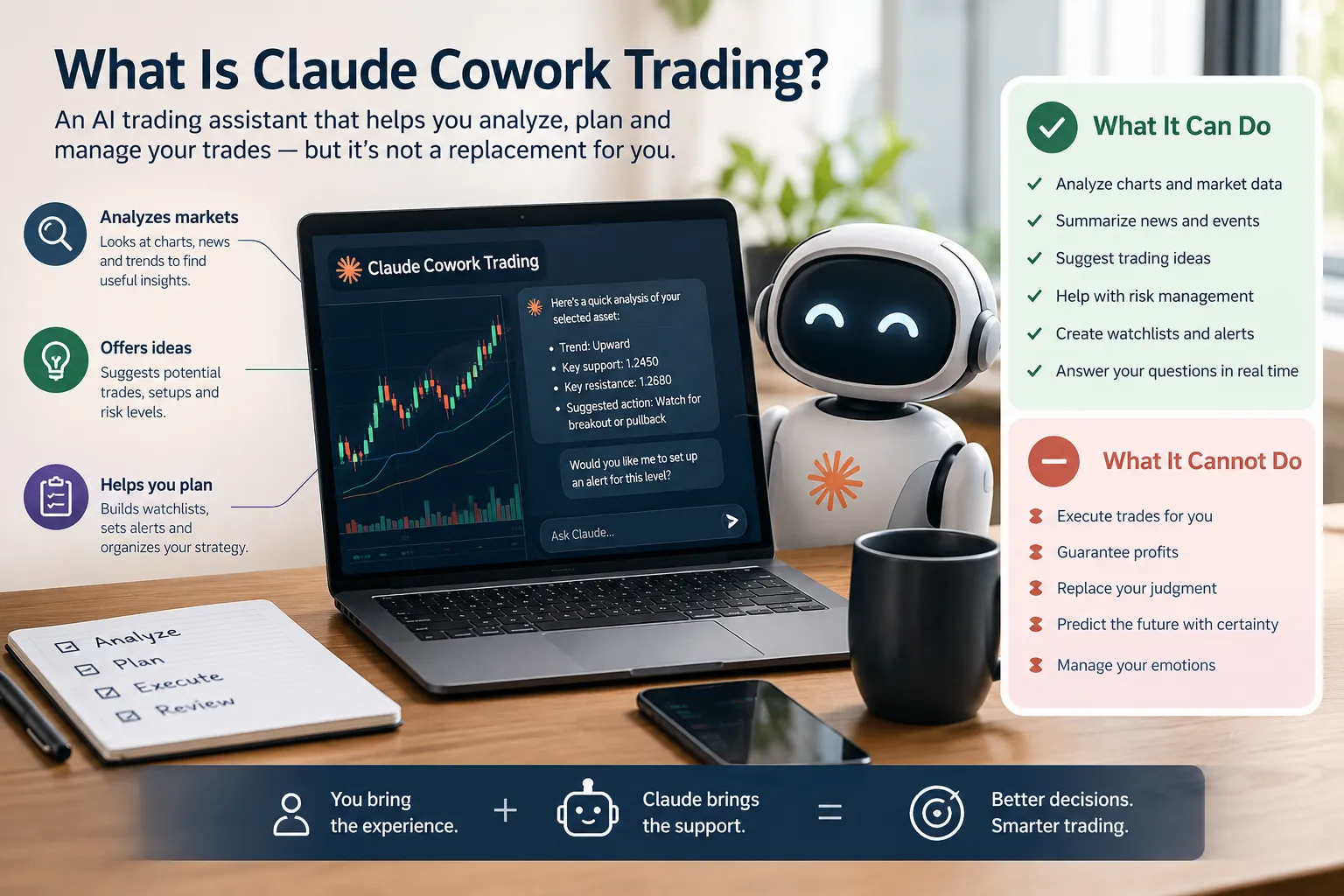
It does research, summarization, file work, journaling, and code drafting well. Those are the same jobs FINRA’s 2026 Annual Regulatory Oversight Report found actual member firms using generative AI for, with “Summarization and Information Extraction” the leading use case observed. That’s not a coincidence. It’s the shape of the tool.
Here’s the honest breakdown of what claude cowork for traders handles and where a human has to stay in the chair.
| Task | Works well | Needs a human | Risk if unchecked |
|---|---|---|---|
| Reading a 10-K or earnings transcript and summarizing it | Strong. Long documents are its best event | Spot-check every figure against the filing | Hallucinated numbers in your thesis |
| Building a watchlist table from your notes | Strong. Formatting and extraction are easy | Confirm tickers and the actual price action | Stale or wrong quotes |
| Trade journaling and tagging past trades | Strong. Classification at volume is cheap | You define the categories, not the model | Garbage tags hide your real leak |
| Scheduled weekly performance reports | Good with structured data | Verify the P&L against broker statements | Reporting your fantasy, not your account |
| File work across folders of research | Very strong | Mind what data you hand over | Sensitive data in the wrong place |
| Connectors to email, docs, calendar | Good for admin | Explicit, narrow permissions only | Agent acting beyond intended authority |
| claude code trading scripts and backtests | Good at syntax and structure | You audit the logic and the data source | A backtest that looks great and is wrong |
| Explaining a setup, an options chain, or a term | Strong for education | Cross-check rules against the broker | Confidently wrong mechanics |
Two notes on cost and capacity, because they bite people who skip them.
Anthropic’s Help Center says agentic tasks consume more capacity than ordinary chat, because Claude may use multiple tool calls and sub-agents. A task that reads hundreds of files, runs code, browses, and builds spreadsheets can drain your usage limits far faster than one analytical question. On the cheaper side, Anthropic announced Claude Haiku 5.5 on October 7, 2026 as its fastest small model, aimed at high-volume work and sub-agents. Sonnet 5.5, announced September 28, was described as over 30% faster and up to 30% cheaper than Sonnet 5 for most work, and Opus 5.5 (September 22) as 40% cheaper to run than Opus 5 on typical workloads.
Cheaper and faster is not more accurate. None of those are trading-performance figures. A model that classifies 10,000 trades per hour still has no idea whether your thesis holds.
Decision rule: if the task is reading, sorting, formatting, or explaining, give it to the assistant. If the task is deciding, sizing, or executing, it’s yours.
What Can a Claude Cowork Trading Assistant Not Do Safely?
It cannot safely place live orders, hold your broker credentials, set your position size, run without an audit trail, or be trusted on an unverified number. Each of those is a different failure with a different cost.
1. Live order placement. Example: you ask for a “scheduled morning routine” and the agent, connected through a broker API, submits a market order on a gapped low-float name before the open. Low float means few shares actually available to trade, so the spread is wide and the fill is brutal. You wanted a report. You got a position. FINRA’s 2026 report flags exactly this class of problem: agents acting beyond intended authority.
2. Broker logins and credentials. Example: pasting a brokerage password into a chat so the assistant can “check your balance.” Now your credentials sit in a transcript. Anthropic’s October 6, 2026 shift to cloud execution for new Cowork tasks on Pro and Max also changes where that data lives and who could audit it. Use read-only API keys if you connect anything at all, and treat the setup like any other AI trading agent risk.
3. Position sizing. Example: “size this for a 1% risk” and the model returns a share count based on a stop it inferred from a chart description, not from a real stop loss on a real quote. Sizing is where accounts die. A stop loss is the price where you admit you were wrong, and the math around it has to be yours.
4. No audit trail. Example: three weeks of agent-assisted decisions and no log of prompts, model versions, or outputs. When you try to find your leak, there’s nothing to read. FINRA explicitly recommends prompt and output logging and model-version tracking. That advice is free and it applies to a one-person desk too.
5. Hallucinated data. Example: a summary states a company’s revenue growth figure that doesn’t appear anywhere in the filing, phrased with total confidence. FINRA warns AI systems hallucinate, misinterpret rules, and use inaccurate or outdated market data. A clean-looking memo is not a verified memo.
Broker-native assistants are a different animal and sit under a different compliance structure. Compare that model with what’s described in our look at the Schwab Charley AI assistant. And if anyone offers you a packaged “Claude trading bot” that promises hands-off returns, read the fake Claude trading bot scam breakdown before you hand over a cent. Play stupid games.
What Did Educators Claim About Claude Cowork Trading?
A wave of YouTube videos have demonstrated Claude’s agent mode on trading workflows. Treat everything in them as a claim, not a result, because a screen recording of a working demo is not a track record.
https://www.youtube.com/watch?v=GlkJMO_ufYA
Here’s the pattern across the genre, written honestly:
| Typical claim | What’s actually shown | What gets skipped |
|---|---|---|
| ”Claude built me a full trading system” | A chat session producing code and a strategy write-up | Live fills, slippage, commissions, and whether it survived a losing month |
| ”Automate your entire research workflow” | Files read and a summary document generated | Verification of every figure against the primary filing |
| ”Connect it to your broker in minutes” | A connector being authorized on screen | Permission scope, read-only versus trade-enabled, credential handling |
| ”It found these setups for me” | A watchlist appearing in a table | Whether the data was current and the sample was cherry-picked |
| ”Backtest says it wins” | A tidy equity curve | Lookahead bias, survivorship bias, and out-of-sample testing |
https://www.youtube.com/watch?v=SB_tKxkfjMk
The videos above are embedded as-published. Watch them for the mechanics of how the agent is driven, which is genuinely useful. Don’t watch them for proof of profitability, which no one in a ten-minute upload can give you.
Common mistake: copying a demo prompt chain without copying the verification step the creator never recorded. The demo is the fun part. The checking is the job.
If you want a grounded read on what these setups involve, our Claude trading bot overview and the broader Claude trading bots category cover it without the thumbnail arrows.
What Is the Plain-English Risk List?
Eight risks, each with a fix. These map directly to the AI agent risks FINRA named in its 2026 report: autonomy, acting beyond authority, poor auditability, sensitive-data misuse, thin domain knowledge, and misaligned objectives.
- Hallucinated numbers. Fix: verify every figure against the SEC filing or your broker statement before it touches a decision.
- Stale market data. Fix: never take a quote from the model. Pull prices from your platform, every time.
- Agent acting beyond its brief. Fix: read-only permissions by default. Trade-enabled access only after a written rule says why.
- Credential exposure. Fix: no passwords in prompts. Scoped, revocable API keys only, and rotate them.
- No audit trail. Fix: log prompts, outputs, dates, and which model version ran. A spreadsheet is enough for one person.
- Usage burn mid-task. Fix: Anthropic says agentic tasks use multiple tool calls and sub-agents, so scope jobs small and run them in batches rather than one giant overnight sweep.
- Overtrading because research got easy. Fix: cap your trades per week. Faster research is not permission for more positions.
- Outsourcing judgment. Fix: write your thesis in your own words before you read the model’s. If they disagree, that’s the valuable part.
Decision rule: if you can’t explain the trade without the transcript, you don’t have a trade. You have a summary of someone else’s reasoning.
How Do You Set Up a Safe Claude Cowork Trading Routine?
Start read-only, test against a paper account, log everything, and keep a human approval step between analysis and execution. In that order, no skipping.
Step 1, Read-only for 30 days. Give the assistant a folder of your own research and last month’s trade exports. No connectors to anything that can act. In the settings, this means declining any permission that mentions writing, sending, or placing. Read, summarize, tag. That’s the whole scope.
Step 2, Verify a sample, hard. Take ten numbers from its output and check every one against the original source. Count the misses. If more than zero slipped through on something material, your verification step stays permanent, not temporary.
Step 3, Paper trade it first. Paper trading means a simulated account with live prices and no real money. Run any agent-assisted idea there for a full month, including a losing stretch. If you’re wiring code, see what’s realistic in our rundown of connecting the IBKR API to Claude before you authorize anything live.
Step 4, Build the log. Four columns: date, prompt summary, output used, what you did. Add the model name if you switch between them. FINRA recommends model-version tracking for firms and it’s the cheapest thing on this list for an individual.
Step 5, Human approval, written down. No order gets placed unless you’ve typed a one-line reason that doesn’t quote the assistant. Entry, stop, size, invalidation. If you can’t fill those four fields, there’s no trade.
Step 6, Review weekly. Pull the log. Where did the assistant save you time, and where did it waste it? Kill the tasks that don’t earn their keep.
Step 7, Watch the branding. With Cowork and chat merged since September 16, 2026 and Claude Duet in research preview since October 21, re-check your permissions whenever the interface changes. A new proactive mode can inherit old consent.
Edge case: if you’re trading inside a registered firm, none of this is optional and none of it is sufficient. FINRA’s guidance points to formal governance, testing, continuous monitoring, and human-in-the-loop review. Cowork is a third-party model and an operational system, not a personal gadget.
How Much Does Claude Cowork Trading Cost per Month, and Is It for Beginners?
Cost depends on your Claude plan, and Anthropic changes pricing often enough that you should check the official plan page rather than trust a number in any article, including this one. What’s documented is availability: Cowork is listed for Pro, Max, Team, and Enterprise, with web and mobile access for Pro, Max, and Team, and Enterprise access sometimes requiring admin enablement.
The real cost isn’t the subscription. It’s capacity. Anthropic’s Help Center is explicit that agentic tasks consume more than regular chat because of multiple tool calls and sub-agents. A heavy research session can eat limits fast, which pushes some users toward higher tiers for reasons that have nothing to do with trading quality.
Is it suitable for beginners? As a learning tool, yes. As a decision tool, no.
- Good beginner uses: explaining what a stop loss, support and resistance, or a bull trap is; summarizing a filing you’d otherwise skip; structuring a trade journal from day one.
- Bad beginner uses: asking what to buy; letting it size a position; connecting it to a funded brokerage account before you’ve traded a system manually.
Who should not use it at all:
- Anyone who hasn’t defined a written strategy. An agent amplifies whatever process you have, and amplifying nothing gives you faster nothing.
- Revenge traders. More output per hour is gasoline on that fire.
- Anyone who’d grant trade permissions to save a few clicks.
- Traders bound by firm compliance rules that haven’t approved third-party AI tools.
Mobile or desktop? Both. Anthropic’s September 16 announcement specified the merged experience rolling out on web, desktop, and mobile for Pro and Max. One wrinkle: the Help Center notes that new Cowork tasks on Pro and Max run in the cloud as of October 2026, while older local tasks started before that date could require the desktop app to stay open. Cloud execution means a task survives closing the laptop, and also means your data governance questions change.
Stocks or crypto? Claude is a general model, so it can read about any asset class. The constraint is data and execution, not the model. FullStack Alpha doesn’t cover crypto, and the same risk rules apply regardless: the assistant reads, you decide. If you want tools built specifically for equities workflows, start with the day trading tools directory or the swing trading tools page.
What’s the Difference Between Claude Cowork Trading and Other Trading Bots, and Can It Replace an Advisor?
Claude Cowork is a general-purpose agent you point at tasks. A trading bot is purpose-built software that executes a defined strategy. They are not competitors, and confusing them is how people get hurt.
| Claude Cowork | Dedicated trading bot | Human advisor | |
|---|---|---|---|
| Core job | Research, summarize, file work, code | Execute a coded strategy | Planning, suitability, accountability |
| Places orders | Not by design; only if you wire it | Yes, that’s the point | Through a regulated process |
| Built for markets | No, general purpose | Yes | Yes, with licensing |
| Accountability | None | Vendor terms, usually thin | Regulated, with recourse |
| Best use | Analyst work | Rule execution | Advice and planning |
If you want the execution side, look at tools designed for it rather than improvising. Our breakdowns of fully automated AI trading bots and which AI trading bots are legit versus scams cover what survives testing.
Can it replace a financial advisor? No. A registered advisor carries fiduciary or suitability obligations and real accountability. A model carries neither. Claude can explain a concept or draft questions to ask an advisor. It cannot assess your tax situation, your time horizon, or your capacity to absorb a loss, and it has no obligation to act in your interest.
Is it regulated or legal? Using an AI assistant for research is legal for a retail trader in the U.S. and broadly elsewhere. The regulation attaches to activity, not to the chat window: market manipulation is illegal whether a human or a model writes the order. If you’re at a member firm, FINRA’s 2026 report makes clear that supervision, recordkeeping, and testing obligations apply to AI tools too. Check your firm’s policy before you connect anything, and check your broker’s API terms before you automate anything.
Frequently Asked Questions
Does Claude Cowork still exist?
Yes, as a capability inside Claude rather than a separate mode. Anthropic announced on September 16, 2026 that Cowork and chat merged into one Claude, starting with Pro and Max on web, desktop, and mobile. The Help Center still documents Cowork access for Pro, Max, Team, and Enterprise.
Can Claude AI be used for trading?
Yes, for research, summarization, journaling, and code. Not for execution or sizing. FINRA’s 2026 report found summarization and information extraction to be the leading generative AI use among member firms, which is exactly the lane where the tool is strongest and the risk lowest.
What is the most successful AI trading bot?
There isn’t a verifiable answer. No independently audited leaderboard of retail trading bots exists, and vendor win-rate claims are self-reported marketing until a third party checks them. Judge tools on transparency, cost, and whether the method is published, not on a screenshot of an equity curve.
Can ChatGPT make a trading bot?
Yes, it can write functional code for one, as can Claude Code. Writing code is not the hard part. Data quality, slippage, commissions, and avoiding lookahead bias in the backtest are the hard parts, and those take testing in a paper account before a dollar goes near it.
Is it illegal to make an AI trading bot?
Building a bot for your own account is generally legal in the U.S. Illegality comes from the activity: manipulation, spoofing, or trading on material non-public information is illegal regardless of who or what submits the order. Managing other people’s money brings registration requirements, and your broker’s API terms set additional limits.
Does Claude Cowork work on mobile?
Yes. Anthropic’s September 16, 2026 announcement covered web, desktop, and mobile for Pro and Max. Note that new Cowork tasks on Pro and Max run in the cloud as of October 6, 2026, while older local tasks started before that date may still need the desktop app open.
Our Take
Use claude cowork trading as an analyst, not as a trader. It reads faster than you, formats better than you, and never gets bored tagging 400 journal entries. It also has no money at risk, no license, no memory of the last time it was confidently wrong, and no reason to care. That combination makes it a superb research hire and a terrible portfolio manager.
The traders who’ll get real value from this are the ones who already had a system and just needed the paperwork handled. The ones who’ll get hurt are the ones hoping a connector replaces a decision they haven’t learned to make yet. Discipline beats prediction, and a faster assistant doesn’t change that math.
Before you connect an assistant to any account, read the FullStack Alpha broker and platform reviews so you know what the platform on the other end allows.
Running a Claude-based setup or testing a bot you think holds up? Submit it for review and we’ll put it through the same scoring everything else gets. More tool breakdowns at aistocktradingbots.com.
Stay alpha.
The FullStack Alpha research desk tests AI trading bots on paper and live accounts. Reviewed and edited by Jay Rocco, Founder and Editor.
