

The FullStack Alpha research desk tests AI trading bots on paper and live accounts. Reviewed and edited by Jay Rocco, Founder and Editor.
A TradingView Black Friday sale in 2026 is likely but unconfirmed: when we checked TradingView’s official Black Friday page in late October 2026, it read “mission’s complete” and invited visitors to sign up for “the next big countdown,” with no 2026 prices. The archived official pages show a consistent pattern: up to 70% off plus one free month in 2023 and 2024, and up to 80% off plus one free month in 2025. In all three years Premium sold for $217 for 13 months, just $1 more than Plus. If you send alerts to a bot, webhooks work on every paid plan from Essential up, so buy for alert capacity, not for webhook access.
Key insights
- Black Friday 2026 is Friday, November 27. Any 2026 discount, date or price is unconfirmed until TradingView’s own page shows it.
- Past official offers (13 months each): Essential $126, Plus $216, Premium $217 in 2023, 2024 and 2025, with Ultimate added at $576 in 2025.
- List prices today: $12.95, $29.95, $59.95 and $199.95 a month billed annually, or $14.95, $34.95, $69.95 and $239.95 month to month.
- Webhooks need a paid plan and 2FA. The free Basic plan can’t send them.
- Refunds: annual plans only, within 14 calendar days. No refunds on monthly plans, upgrades or market data.
By FullStack Alpha Editorial Team | Reviewed by Jay Rocco, Chief Editor
This guide is part of AI Stock Trading Bots, where we test the tools that sit between your chart and your broker. Every past-sale number below comes from TradingView’s own Black Friday page as archived by the Internet Archive; every current price comes from TradingView’s live pricing page.
Will TradingView Have a Black Friday Sale in 2026?
Probably, but nothing is confirmed. TradingView’s official Black Friday page is live but shows only a “mission’s complete” holding message and a sign-up prompt. There is no 2026 percentage, no start date and no plan price on it. Anyone quoting the exact 2026 TradingView Black Friday discount right now is guessing.
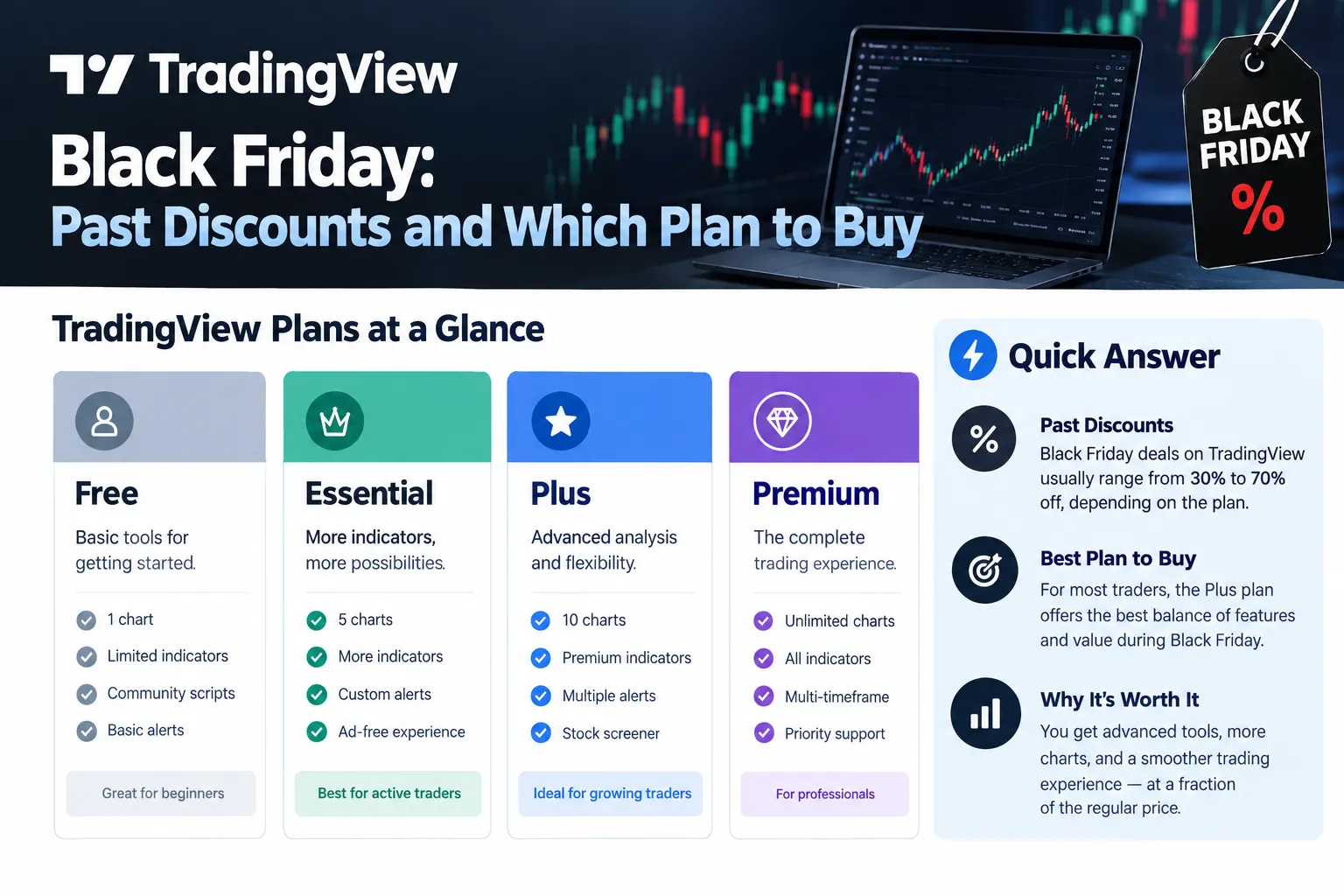
Here is what the record shows. The same URL carried a priced sale in late November 2023, late November into December 2024, and late November into December 2025. Each one included a free 13th month on annual purchases. That is a habit, not a promise. Companies change pricing strategy, and a placeholder page is not a commitment.
The honest read: high probability, zero certainty. Plan for both.
The likely window
Black Friday 2026 falls on November 27. The archived countdown timers give the end of past sales: roughly November 29 in 2023, December 5 in 2024 and December 3 in 2025. Start dates were not captured in the snapshots we checked. If TradingView repeats the pattern, expect a window around Thanksgiving week that runs into early December. That is an inference, not a published date.
Two things to watch:
- The official page switching from holding message to prices. That is the only confirmation that counts.
- The Cyber Monday label. Every archived snapshot we read was titled “Cyber Monday” even in late November. TradingView has run one continuous window under one page, not two separate sales.
A common mistake
Traders camp on coupon sites in mid-November and get fed last year’s codes. Those sites earn on the click, not on the code working. Bookmark the official page and check it yourself.
Decision rule: if your current subscription renews before the first week of December, deal with the renewal first. An auto-renew at list price can lock in the wrong cycle. TradingView’s past FAQs say unused days on your current plan are added to a new Black Friday subscription of the same tier, so buying during the sale doesn’t waste them.
What Did TradingView Black Friday Discounts Look Like in Past Years?
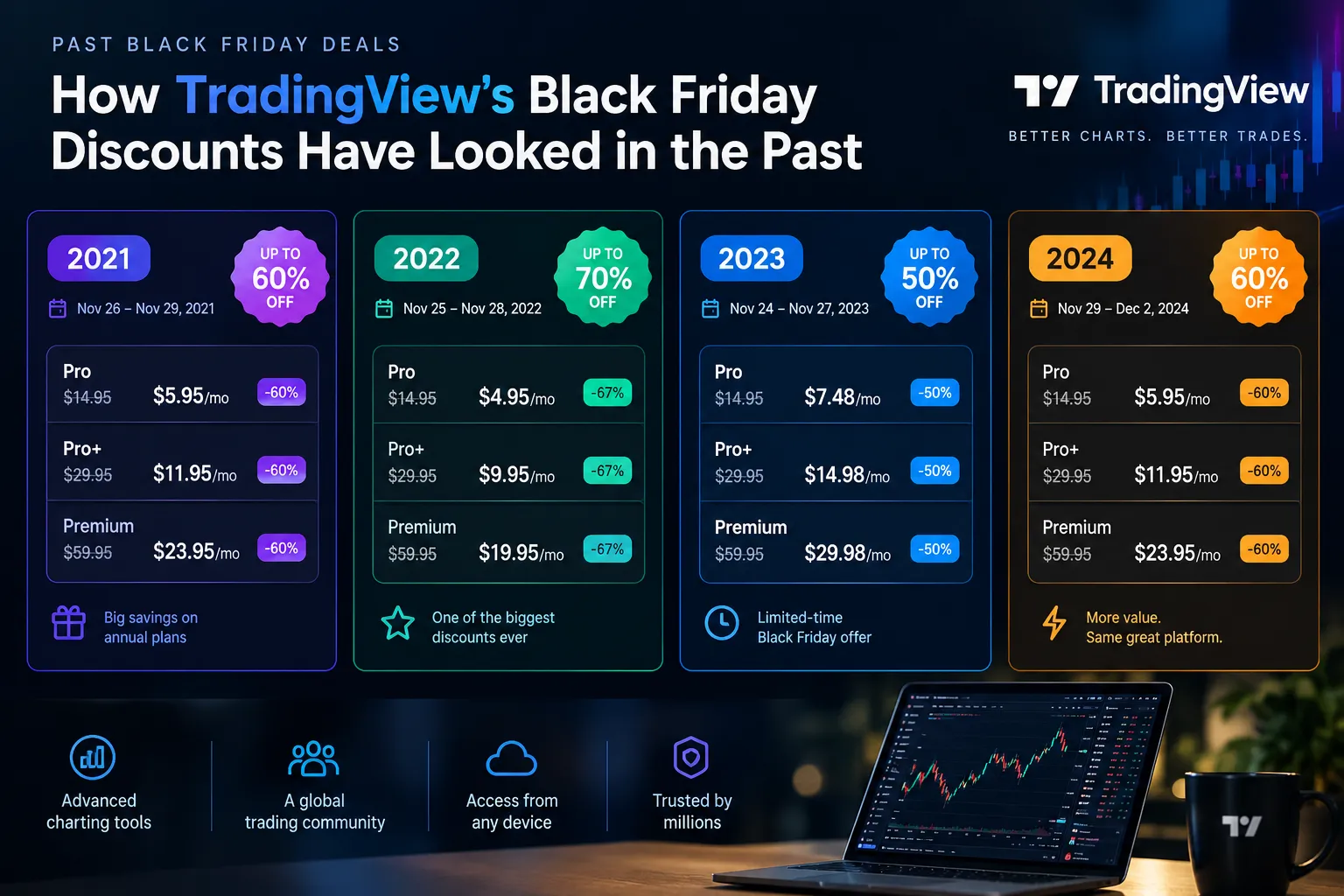
Past TradingView Black Friday offers were steep and strikingly stable. The archived official pages show the same three headline prices three years running, each for 13 months, not 12.
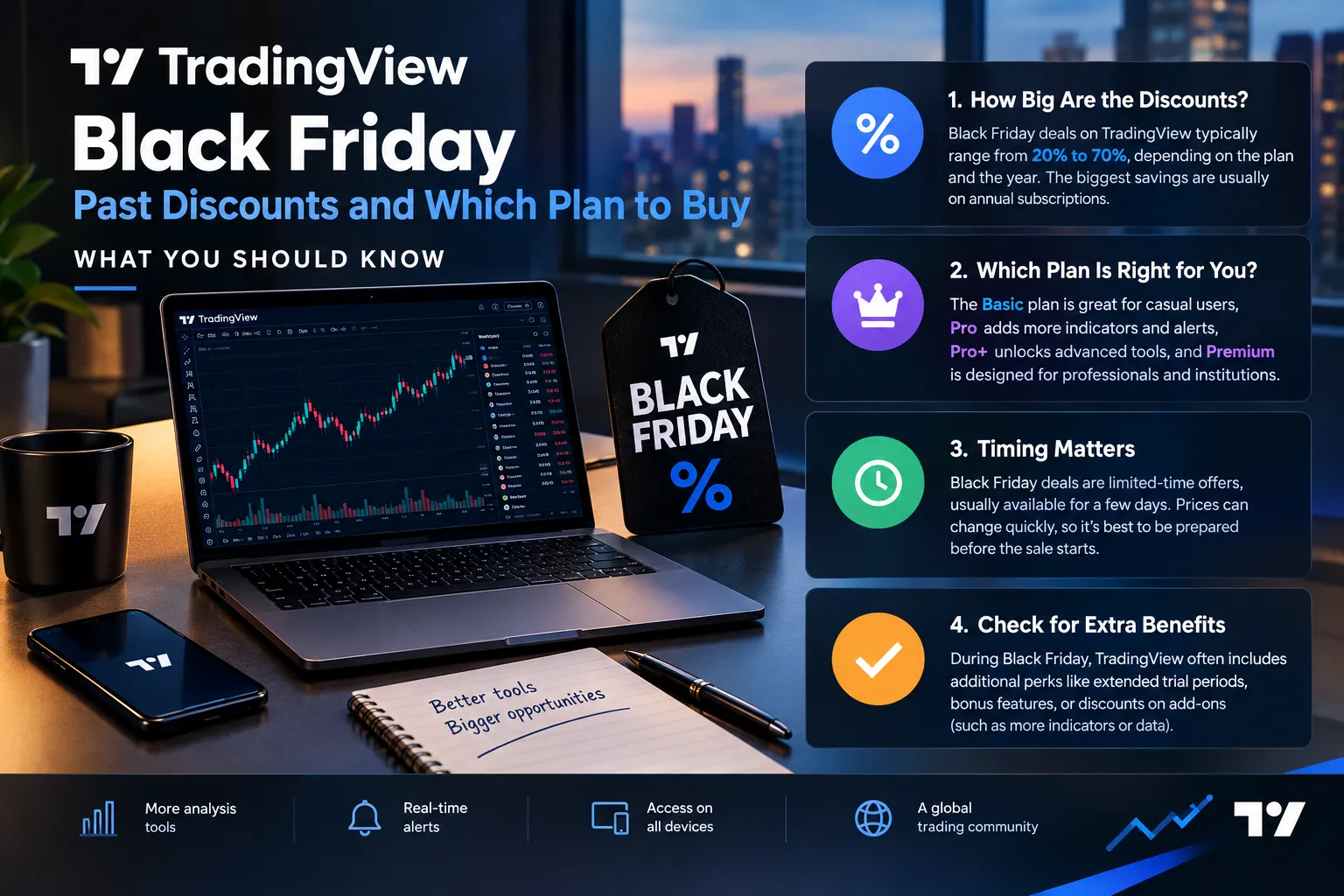
| Year | Headline offer | Plans covered | Reported window |
|---|---|---|---|
| 2023 | Up to 70% off, plus one free month | Essential $126, Plus $216, Premium $217 for 13 months | Countdown ended around Nov 29, 2023 |
| 2024 | Up to 70% off, plus one free month | Essential $126, Plus $216, Premium $217 for 13 months; Ultimate not listed | Countdown ended around Dec 5, 2024 |
| 2025 | Up to 80% off, plus one free month | Essential $126, Plus $216, Premium $217, Ultimate $576 for 13 months | Countdown ended around Dec 3, 2025 |
| 2026 | Not announced as of October 2026 | Unknown | Unknown |
Sources: TradingView’s Black Friday page archived on November 25, 2023, December 1, 2024 and November 29, 2025. End dates are worked out from each page’s countdown at the moment of capture.
What the discounts actually were
The archived 2025 page listed each plan’s discount and the “equals” monthly figure:
- Essential: minus 30%, $126 for 13 months, which “equals” $9.69 a month against $14.95.
- Plus: minus 40%, $216, equal to $16.62 a month against $33.95.
- Premium: minus 70%, $217, equal to $16.69 a month against $67.95.
- Ultimate: minus 80%, $576, equal to $44.31 a month against $239.95.
In 2023 and 2024 the page showed the same $126, $216 and $217 prices against list figures of $14.95, $29.95 and $59.95.
The Premium quirk that actually matters
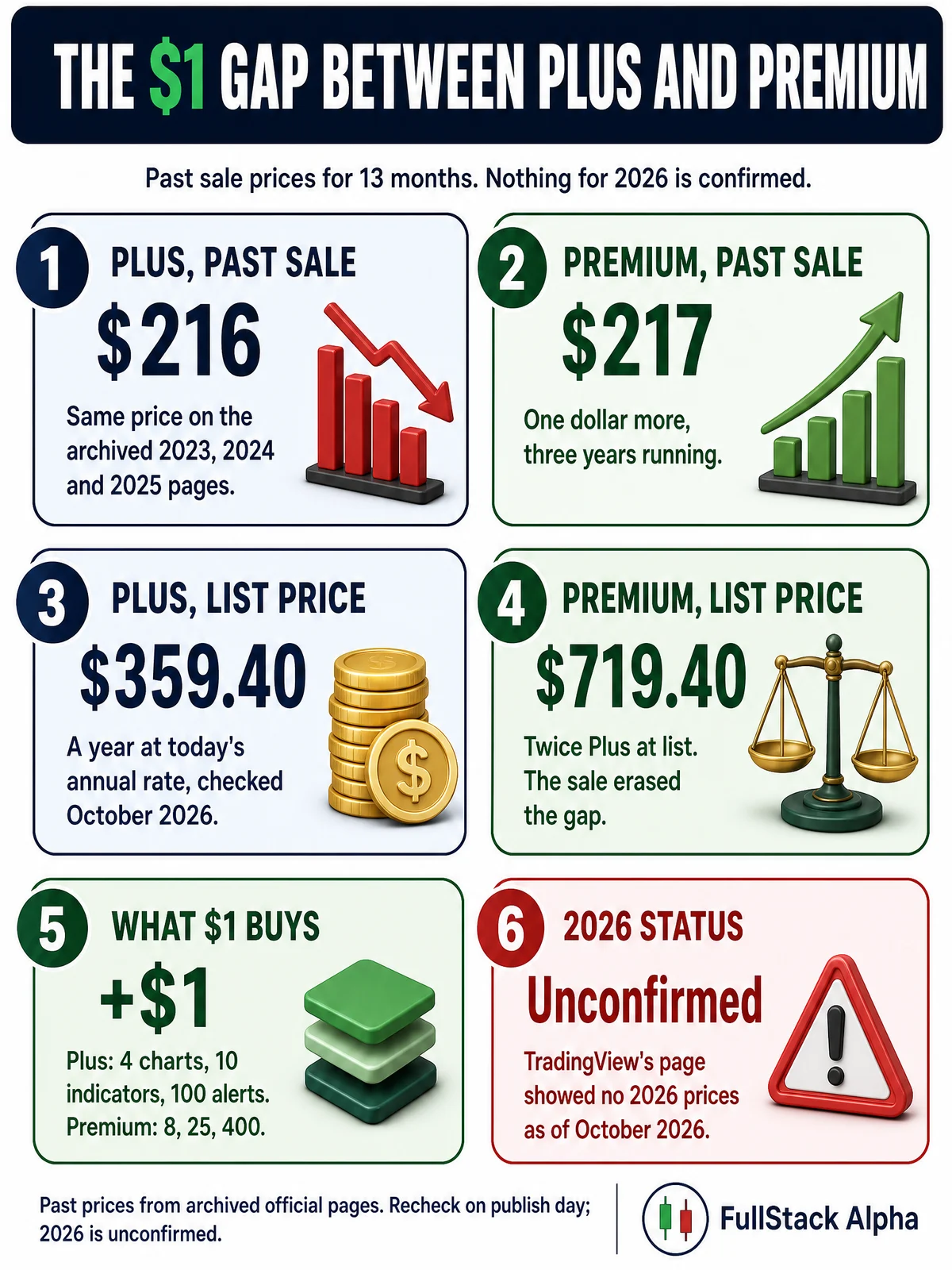
Look at those numbers again. Premium came in at $217 and Plus at $216. One dollar apart, three years in a row. At today’s annual list prices, Premium ($719.40 a year) costs twice Plus ($359.40 a year). During the sale, the gap disappeared.
That single detail changes the buying decision. If the 2026 TradingView Black Friday repeats it, buying Plus to “save money” is one of the worst value calls available. One extra dollar bought 8 charts per tab instead of 4, 25 indicators per chart instead of 10, and 400 price alerts instead of 100.
Market truth: the headline percentage isn’t the number that matters. The gap between tiers is.
What the sale did and didn’t cover
From the archived FAQs:
- No market data discounts. TradingView says it doesn’t earn from exchange data fees and must remit them, so “no data discounts are included.”
- The free month is website-only. Purchases through the iOS or Android apps didn’t get the 13th month.
- Non-professionals only. The 2023 and 2024 pages said the offer was for non-professionals; professionals were sent to the regular pricing page.
- Up to 3 years. You could stack up to three years of subscription during the sale, bought one by one, but only one plan when downgrading.
- No referral credit. Referral program earnings couldn’t be used on the sale.
- Crypto was accepted, though the 2025 FAQ says crypto purchases can’t be downgraded.
How Much Do TradingView Plans Cost Right Now?
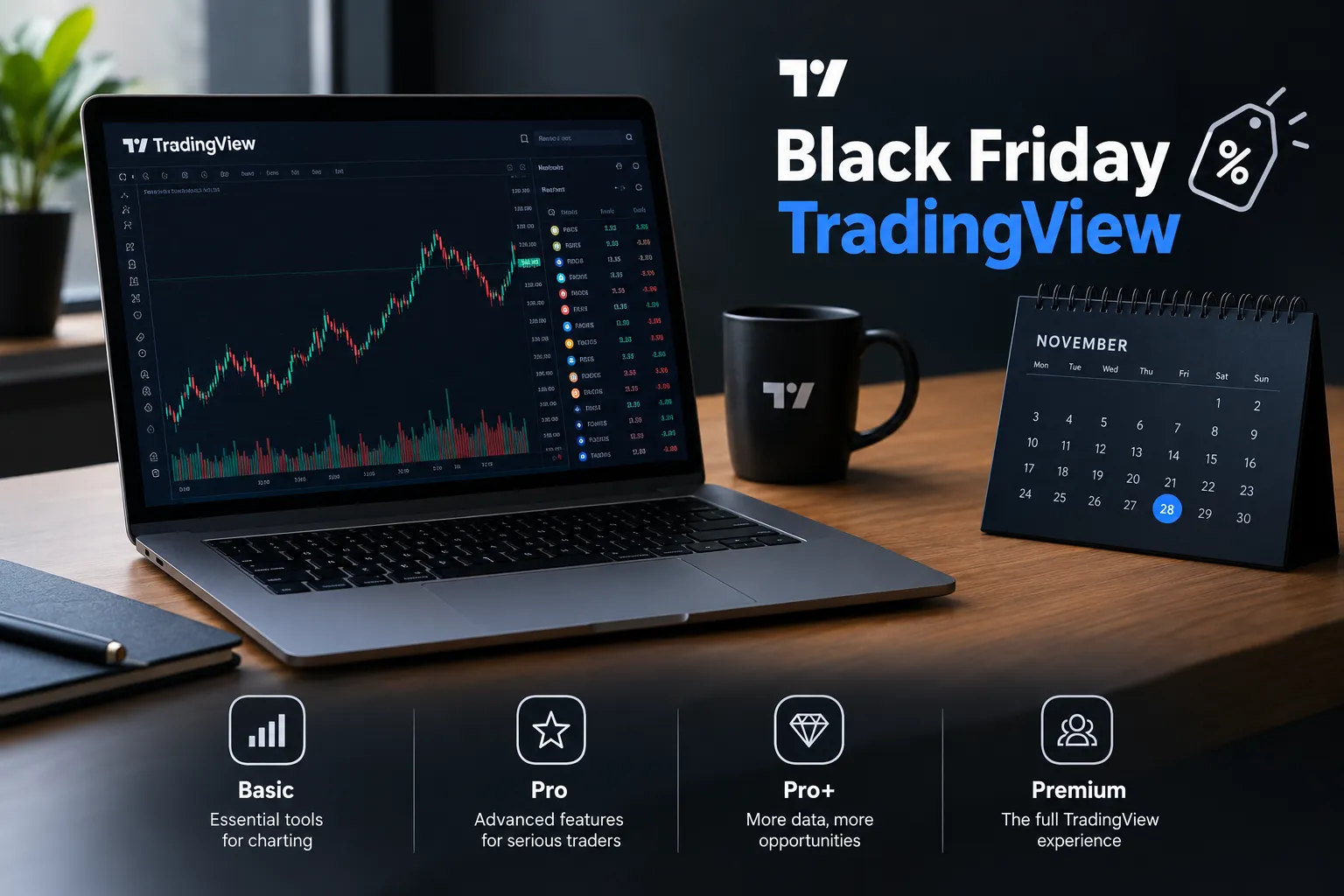
TradingView’s pricing page, checked in October 2026, shows these U.S. dollar prices. Taxes can be added at checkout depending on where you live.
| Plan | Annual billing (checked October 2026) | Source |
|---|---|---|
| Essential | $12.95 a month ($155.40 a year); $14.95 month to month | TradingView official pricing page |
| Plus | $29.95 a month ($359.40 a year); $34.95 month to month | TradingView official pricing page |
| Premium | $59.95 a month ($719.40 a year); $69.95 month to month | TradingView official pricing page |
| Ultimate | $199.95 a month ($2,399.40 a year); $239.95 month to month | TradingView official pricing page |
The page says annual billing saves “up to 17%,” and lists the yearly savings as $24, $60, $120 and $480. Annual totals above are the monthly-equivalent price times 12.
Things that change your final bill
- Exchange data is separate. Real-time feeds can require their own subscriptions even after you buy a plan. A plan is software access, not a data package.
- Professional status. The pricing page says “Only the Ultimate plan is available for professional users.”
- Refunds. “Refunds are available for annual plans only and must be requested within 14 calendar days of payment.” No refunds on upgrades, monthly plans or market data, and anyone who filed a chargeback is not eligible.
- Payment methods. The pricing FAQ says monthly and annual plans can be paid in crypto, directly or through Binance Pay, processed by Triple-A.
That 14-day window is useful around TradingView Black Friday. Buy an annual plan on November 27 and dislike it by December 8, and you’re still inside it. Read the policy text on the day you buy, because it can change.
For scale: TradingView says it connects users to 3,539,722 instruments and is “used by 100 million traders.” Those are company figures, and neither tells you whether the tool fits your process.
Can you use TradingView for free?
Yes. The free Basic plan gives you one chart per tab, two indicators per chart and three active price alerts, with ads. For a beginner learning support, resistance and how a breakout behaves, that is enough for months.
Free is also where you should build and paper trade your first alert logic, so the paid plan you buy later starts working on day one instead of becoming a month of setup.
Decision rule: if you can’t name the specific limit that’s blocking you, you don’t need a paid plan yet. “The free version feels limited” is a vibe. “I keep hitting my alert cap on Tuesday” is a reason.
Which TradingView Plan Fits Bot and Alert Traders?
For automation, the plan question is about alert capacity, not webhook access. TradingView’s pricing comparison shows webhook notifications on Essential, Plus, Premium and Ultimate, and not on Basic. Its webhook help page adds that “webhook alerts are only allowed when 2-factor authentication is enabled.”
The mechanics, in plain English:
- An alert is a condition on a chart: price crosses a level, an indicator fires, a strategy fills. TradingView watches it so you don’t have to.
- A webhook is a URL the alert sends an HTTP POST to when it fires. Your bot or broker bridge listens there. Only ports 80 and 443 are accepted, and if the receiving server takes longer than three seconds, TradingView cancels the request.
- Indicators per chart caps how many studies you stack on one layout. A strategy using three moving averages, a volume filter and a volatility band eats a small cap fast.
| Plan | Alert capacity | Webhook alerts | Best for |
|---|---|---|---|
| Free (Basic) | Three price alerts | No | Learning the charts and paper trading |
| Essential | 20 price, 20 technical | Yes | One or two automated strategies on a short watchlist |
| Plus | 100 price, 100 technical | Yes | Active traders with a growing watchlist |
| Premium | 400 price, 400 technical, 2 watchlist alerts | Yes | Bot traders running many symbols or strategies |
| Ultimate | 1,000 price, 1,000 technical, 15 watchlist alerts | Yes | Professionals (the only tier open to pros) and large alert fleets |
How to size your plan honestly
Run this for one week before the TradingView Black Friday window opens:
- Count the alerts you actually set in a normal week.
- Count how many you had to delete to make room for a new one.
- Count the indicators on your busiest layout.
- Note whether any alert needed to reach an external system.
If that last count is above zero, you need at least Essential. If you’re deleting alerts weekly or running more than 20 automated conditions, Plus or Premium. If the sale repeats the $216 versus $217 pattern, Premium is the obvious pick at that price.
Common mistake: buying Ultimate because it’s the biggest. More chart connections and deeper history don’t fix a strategy that fails on a clean setup. They just make the failure higher resolution.
If automation is where you’re heading, the plumbing matters more than the plan. Our guide to TradingView automated trading covers the alert-to-broker bridge, and our Pine Script strategy guide covers writing the logic the alert fires on. A webhook pointed at a bad bot is just a faster way to be wrong.
TradingView vs thinkorswim: which is better?
Different jobs. TradingView wins on charting, cross-asset coverage, community scripts and webhook alerts. thinkorswim wins on integrated order execution and options analytics inside a Schwab account.
- Choose TradingView if you want the best charting, trade stocks, futures and forex, write or borrow Pine Script, or need alerts that talk to outside systems.
- Choose thinkorswim if you’re options-heavy and want analysis and execution in one window.
- Choose both if you chart in TradingView and execute at your broker. Plenty of traders do exactly this.
What plan do day traders use?
Day traders running several symbols tend to outgrow Essential’s two charts per tab and 20 alerts quickly. Premium’s eight charts per tab, 25 indicators per chart and 400 price alerts cover a full watchlist without pruning before the open. Add exchange data on top. For a detailed side-by-side, our sister site’s TradingView plans compared breaks down every limit.
Is There a TradingView Promo Code or Discount Outside Black Friday?
Yes, but less dramatic. Annual billing runs at a lower effective rate than monthly all year, and that discount is official and visible on the pricing page any day. Beyond that, there’s no reliable standing public coupon code we could find on TradingView’s own pages.
What to watch:
- Coupon sites. Most “TradingView coupon” results are expired codes, affiliate redirects or links to the standard pricing page.
- Stacking. Past sale pages applied the discounted price directly at checkout, and the archived FAQs say referral earnings couldn’t be combined with it. We found no official mechanism for stacking a code on the sale price.
- “Exclusive” influencer links. Usually affiliate links to the same public price.
- Referral credit. The archived pages advertised $15 each for you and a new user after their first paid upgrade. Check the current terms before counting on it.
The one legitimate off-season lever: switch from monthly to annual. Essential drops from $14.95 to $12.95 a month, Premium from $69.95 to $59.95. That is the discount almost everyone leaves on the table while hunting for codes.
How Much Would Each Plan Save at Past Sale Prices?
Percentages flatter. Dollars decide. Here is what last year’s sale prices would save against today’s annual list prices, compared over the same 13 months of access.
- Essential: 13 months at today’s $12.95 annual rate is $168.35. The past sale price was $126. Saving: $42.35, or about $3.26 a month.
- Plus: 13 months at $29.95 is $389.35. Sale price $216. Saving: $173.35.
- Premium: 13 months at $59.95 is $779.35. Sale price $217. Saving: $562.35.
- Ultimate: 13 months at $199.95 is $2,599.35. The 2025 sale price was $576. Saving: $2,023.35.
Two things jump out. First, Essential’s saving is small enough that waiting weeks for it makes little sense if you need alerts today. Second, the saving on Premium is more than three times the saving on Plus, for one extra dollar. That asymmetry is the whole buying case.
What these numbers assume: that 2026 repeats 2025 pricing and that today’s list prices hold. Neither is confirmed. If the 2026 page shows different prices, redo this math with them; it takes two minutes and a calculator.
Decision rule: if the sale price for the tier you need is less than about seven months of that tier’s monthly price, buy the annual sale plan. At past prices, Premium ($217) was about three months of month-to-month Premium ($69.95), an easy yes.
Should You Wait for Black Friday or Buy Now?
If you’re within about six weeks of November 27, wait. A repeat of past TradingView Black Friday pricing would save far more than six weeks of access costs. If you need the tool today, buy monthly now and switch to annual during the sale.
The decision rule
Wait if:
- The free plan or your current plan still does the job.
- You’re upgrading from Plus to Premium, which cost $1 more during each of the last three sales.
- You’re buying annual anyway; the free 13th month showed up every year we checked.
Buy now if:
- You’re missing trades because you’ve capped out on alerts.
- You need webhooks this week to test a bot.
- The sale window has closed and you still need the plan.
The actual cost of waiting
Run the math. Premium month to month is $69.95. Waiting five weeks on Premium costs you about one billing cycle of access, or nothing if the free plan covers you. If 2026 resembles 2025, Premium is $217 for 13 months, against $719.40 for 12 months at today’s annual list price. That is about $500 of difference on one plan.
But the cost of waiting isn’t zero if you’re trading without alerts you need. Missing a clean setup to save on a subscription is a bad trade, not a smart one.
The hedge: use the free plan or one month of Essential at $14.95 through November. Buy annual the week the sale goes live. If you’re testing a bot in the meantime, run it on TradingView paper trading so the month isn’t wasted.
If the 2026 sale doesn’t happen
Then you buy annual at list price, which is still cheaper than monthly, and you’re no worse off than if you’d bought in October. That is the point of the hedge. Process over prediction.
One more honest option: don’t buy at all. If your bottleneck is decision-making, a cheaper chart package won’t fix it. Our breakdown of what a trading bot really costs shows where the money actually goes in an automated stack.
Is TradingView Worth the Cost for Beginners?
For most true beginners, not in year one. The free plan covers charting, two indicators per chart and three price alerts, which is enough while you learn what a breakout, a base and a stop loss look like. Pay when a specific limit blocks a specific action.
Signs you’ve outgrown free:
- You delete alerts weekly to make room.
- You need more than two indicators on one layout.
- Ads break your focus at the open.
- You want to send an alert to an external bot.
Signs you haven’t:
- You’ve been “about to start” for three months.
- You can’t write down your entry, exit and position-size rules.
- You’re buying because a video told you to.
Observation: beginners buy tools to feel ready. Market truth: readiness comes from a written plan and a sized position, not a subscription. Takeaway: write your rules first, then buy the tool that enforces them. Our Pine Script tutorial is a free way to turn written rules into something a chart can test.
If a beginner pays for anything during TradingView Black Friday, Essential at $126 for 13 months (the price in each of the last three sales) is a low-risk entry, and the 14-day annual refund window gives you an exit.
How to Get Ready Before the TradingView Black Friday Page Goes Live
A little prep turns a five-minute sale into a clean decision.
- Turn on 2FA now. You’ll need it for webhooks anyway, and you don’t want to set it up mid-checkout.
- Check your renewal date in your account’s billing page. Past FAQs said unused days roll into a same-tier sale subscription, and upgrades convert days at a price ratio.
- Know the upgrade ratios. The 2025 FAQ listed them: Essential to Plus is 2 days to 1, Plus to Premium 2 to 1, Essential to Premium 4 to 1, Premium to Ultimate 4 to 1.
- Buy on the website, not the app. The free month didn’t apply to iOS or Android purchases.
- Decide your tier with your one-week alert count, not with the headline percentage.
- Set a reminder for Thanksgiving week and check the official page yourself.
Frequently Asked Questions
Will TradingView have a Black Friday sale in 2026?
A TradingView Black Friday sale in 2026 is likely but unconfirmed. In October 2026 the official Black Friday page showed only a holding message and a sign-up prompt, with no prices. TradingView ran a priced sale on that page in 2023, 2024 and 2025.
Is there an 80 percent discount on TradingView?
There was in 2025. The archived official page advertised up to 80% off plus one free month, with Ultimate at $576 for 13 months. Nothing at that level is confirmed for 2026.
Is it cheaper on Black Friday or Cyber Monday?
In past years there was no difference. TradingView ran one continuous sale on one page, titled Cyber Monday even in late November, and the prices stayed the same throughout the window. Buying after the countdown ended is what cost more.
Which TradingView plan do I need for webhooks?
Any paid plan. TradingView’s pricing comparison shows webhook notifications on Essential, Plus, Premium and Ultimate, and its help center requires two-factor authentication. The free Basic plan can’t send webhooks.
Can I get a refund on a TradingView Black Friday plan?
TradingView’s pricing FAQ says refunds are available for annual plans only, requested within 14 calendar days of payment. Monthly plans, upgrades and market data are not refundable. Check the current policy text before you buy.
How can you pay less for TradingView?
Switch from monthly to annual billing, which saves up to 17% all year. Buy during the late-November sale window if it repeats, and buy only the tier whose limits you actually hit. Skip exchange data you don’t trade.
Our Take
Wait for the window, then buy Premium annual if you run alerts into a bot. That’s the position.
The archived official pages show the same prices three years running, and the $216 versus $217 Plus-to-Premium gap makes Premium the clear pick for automation. Webhooks themselves work from Essential up, so a single-strategy bot can live on the cheapest paid plan. Nothing about the 2026 TradingView Black Friday sale is confirmed yet, so treat every 2026 number you see as unconfirmed until TradingView’s own page shows it, and re-check prices on the day you buy.
Building the bot that those alerts will drive? Explore our trading bot guides at AI Stock Trading Bots
Stay alpha.
The FullStack Alpha research desk tests AI trading bots on paper and live accounts. Reviewed and edited by Jay Rocco, Founder and Editor.
