

The FullStack Alpha research desk tests AI trading bots on paper and live accounts. Reviewed and edited by Jay Rocco, Founder and Editor.
By FullStack Alpha Editorial Team | Reviewed by Jay Rocco, Chief Editor
Quick answer: QuantConnect price starts at $0 on the Free plan, which covers research and backtesting but includes zero live trading nodes. To trade live, you need a paid organization plus a live node. Third-party reviews from early 2026 list the Researcher plan at $60 a month ($600 a year) and live nodes from $24 a month, so the cheapest realistic live setup runs about $84 a month before broker commissions and data add-ons. Team is about $120 per user per month.
The tier name is not the bill. Your real QuantConnect pricing is the plan, plus the nodes you buy, plus data, plus whatever your broker charges. This guide adds those up, the same way we cost every platform in our trading bot reviews at AI Stock Trading Bots.
Key Takeaways
- Free: the lowest QuantConnect price is $0, with one backtest node and one research node, 0 live nodes. Good for learning and testing, not for trading.
- Researcher (Quant Researcher): about $60 a month or $600 a year, with an allowance of up to 2 live nodes. Allowance is permission to buy, not prepaid compute.
- Team: about $120 per user per month, up to 10 members and 10 live nodes.
- Trading Firm and Institution: about $336 and $1,080 per user per month, with unlimited node quotas.
- Nodes: backtest nodes run about $14 to $96 a month; live nodes start near $24 a month for L-MICRO.
- Data: Bloomberg BPIPE carries a documented $2,000 setup fee and $240 a month.
- Buying rule: save an itemized checkout quote before you deploy anything.
Plan prices above come from NewTrading (March 2026) and New York City Servers (February 2026), which agree. QuantConnect’s own page loads prices dynamically, so confirm the current figure at checkout.
What Is QuantConnect and How Does It Work?
QuantConnect is a cloud platform where you write a trading algorithm in Python or C#, test it against historical data, and deploy it to a supported broker. It runs on LEAN, an open-source engine you can also run on your own machine.

The cloud gives you a browser workspace, research notebooks, and hosted execution. A backtest simulates the past. A live deployment sends real orders to your brokerage account. Those are different jobs, billed with different nodes.
If you want to know what the engine does under the hood, our guide to what QuantConnect LEAN runs that your laptop cannot covers it. This article stays on the bill.
A note on AI coding help: QuantConnect includes AI assistant nodes. An assistant can write code fast, but it can’t tell you whether your fee model, data subscription, or order logic is right. Cheap compute attached to broken logic is an expensive hobby.
What Is the QuantConnect Price for Each Plan?
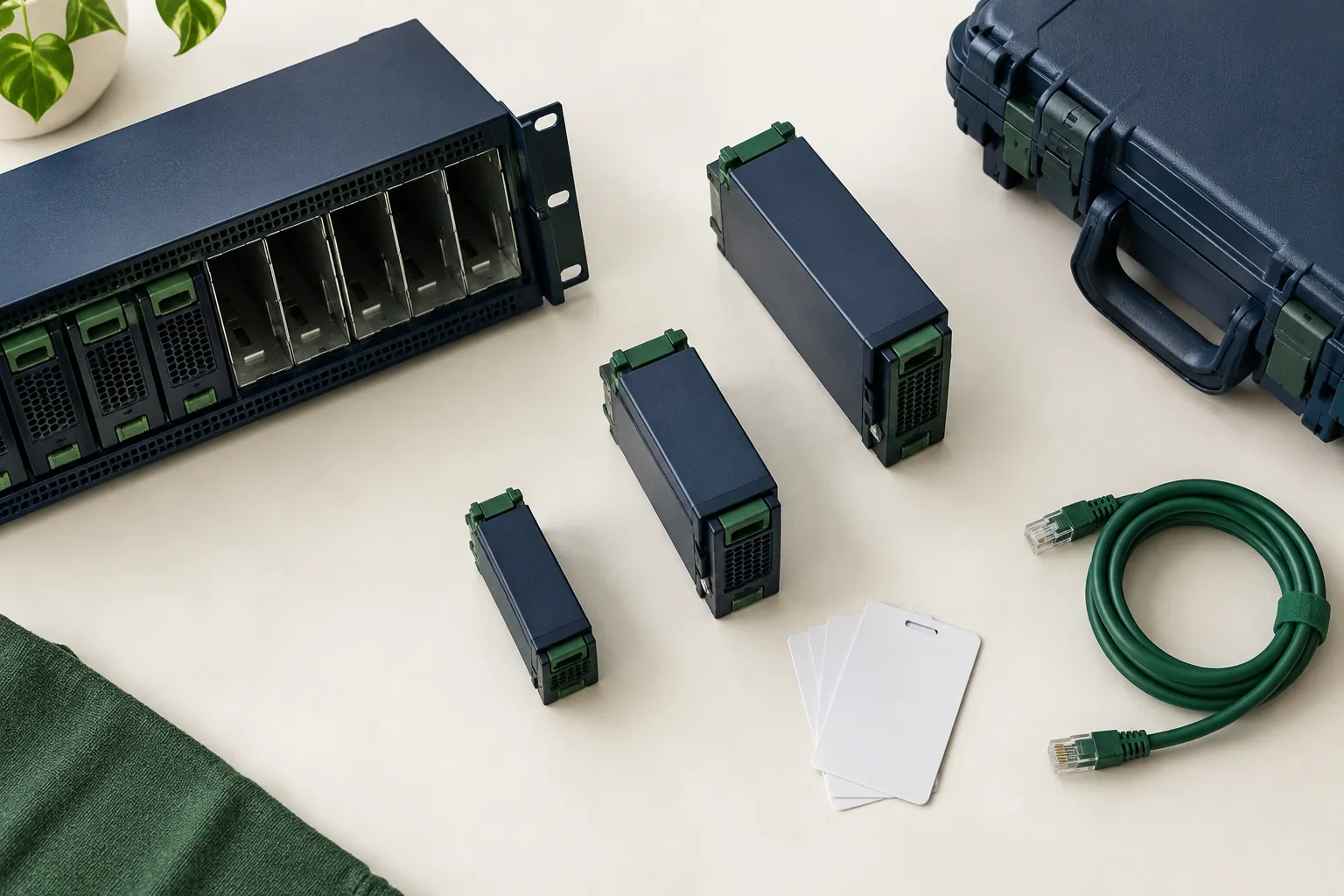
Here’s every tier side by side. Allowances come from the official pricing page; dollar figures come from the early-2026 reviews cited above.
| Tier | Monthly price | Annual price | Seats | Backtest / research nodes | Live node allowance |
|---|---|---|---|---|---|
| Free | $0 | $0 | 1 | 1 / 1 | 0 |
| Researcher | ~$60 | ~$600 | 1 | 2 / 1 | 2 |
| Team | ~$120 per user | ~$1,200 per user | Up to 10 | 10 / 10 | 10 |
| Trading Firm | ~$336 per user | ~$3,360 per user | Unlimited | Unlimited | Unlimited |
| Institution | ~$1,080 per user | ~$10,800 per user | Unlimited | Unlimited | Unlimited |
“Unlimited” means unlimited quota, not unlimited free hardware. You still pay for each node you run. That one distinction explains most QuantConnect pricing confusion.
Annual Versus Monthly
Annual billing on Researcher works out to $50 a month instead of $60, a $120 saving on the QuantConnect price. Only take it after your strategy has run live for a few months. Paying a year upfront for a strategy that dies in week three saves you nothing.
Team Pricing
Team supports up to 10 members, 10 backtest nodes, and 10 research nodes. Ask which members are billable before inviting anyone. A shared workspace and shared compute solve different problems.
Trading Firm and Institution
These tiers fit professional desks that need unlimited quotas, Terminal Link, or institutional data. QuantConnect also sells onboarding that starts at $4,800. Request an itemized quote; retail assumptions don’t carry over.
What Do Live Trading Nodes, Backtest Nodes, and Data Cost?
Live and backtest resources are priced by hardware. Add the plan, the nodes, any data, and your broker’s costs.

Monthly bill = plan + live nodes + extra backtest or research nodes + data add-ons + broker costs.
| Resource | Reported cost | What it’s for |
|---|---|---|
| Live node, L-MICRO | ~$24/month | One small live algorithm |
| Backtest nodes | ~$14 to $96/month | Faster or bigger backtests |
| GPU research node | ~$400/month | Machine learning research |
| Large GPU nodes | Up to ~$1,000/month | Heavy ML workloads |
| Bloomberg BPIPE | $2,000 setup + $240/month | Institutional data feed |
| Futures live feed | Add-on on Researcher, included on Team+ | Live futures data |
| SMS alerts | 1 QCC per US/CA text (100 QCC = $1) | Live trading notifications |
Node figures from New York City Servers; data and alert pricing from QuantConnect’s pricing page and change log.
Three Real Budgets
| Setup | What you buy | Estimated monthly | First year |
|---|---|---|---|
| Learner | Free plan, backtesting only | $0 | $0 |
| First live bot | Researcher + 1 L-MICRO live node | ~$84 | ~$1,008 (or ~$888 with annual plan) |
| Two strategies, faster tests | Researcher + 2 live nodes + 1 mid backtest node | ~$150 to $190 | ~$1,800 to $2,280 |
Broker commissions, exchange fees, and taxes come on top. Our breakdown of how much a trading bot costs per month adds those layers for other platforms too.
How Many Algorithms and Symbols Fit Under Each QuantConnect Price?
This is the part of the bill most buyers miss. QuantConnect’s resources documentation says you need one live trading node for each algorithm you deploy to its co-located servers. Two strategies means two live nodes, even if both are tiny.
The same page publishes the live hardware. These are the specs; the dollar figure for each one sits behind the pricing page checkout.
| Live node | Cores | RAM | GPU |
|---|---|---|---|
| L-MICRO | 1 | 0.5 GB | 0 |
| L1-1 | 1 | 1 GB | 0 |
| L1-2 | 1 | 2 GB | 0 |
| L2-4 | 2 | 4 GB | 0 |
| L8-16-GPU | 8 | 16 GB | 1/2 |
A worked example. The docs ask you to keep average memory under 80% of the node’s RAM, which on L-MICRO is 410MB. They also estimate that each security subscription uses about 5MB of RAM. Divide 410 by 5 and the arithmetic ceiling is about 80 subscriptions, before the algorithm’s own indicators, history requests and rolling windows take their share.
So a 10 ETF rotation fits on the cheapest QuantConnect price for live trading with room to spare. A 500 stock momentum screen does not, and neither does a large options chain. That strategy needs L1-2 or L2-4, and the monthly figure moves with it.
Decision rule: count your symbols before you pick a node. Under about 50 subscriptions with light indicators, start on L-MICRO. Above that, or with options universes, price L1-2 first and test memory in a paper deployment for a week.
Two more details from the docs change the math for teams. Nodes are shared across every member of an organization, and adding or removing them needs billing permissions. The live L8-16-GPU node can be shared by up to two members. Dedicated servers, per the pricing page, require a 12 month commitment, so they are a desk decision, not a retail one.
QuantConnect Cloud Credit (QCC) also shows up on the bill: 1 USD buys 100 QCC, and the pricing page lists a 10% bonus on purchases of $100 or more. SMS alerts draw from that balance at 1 QCC per US or Canada text, so watch it the way you watch a prepaid phone plan.
Securities, Options, and Universe Size
A simple SPY strategy needs far less memory than an equity options universe with thousands of contracts. Every extra security can raise processing demand, which can push you onto a bigger, pricier node. Buy hardware for your measured workload, not for how professional it looks on the receipt.
Data Licensing
Included price data doesn’t mean every dataset can be downloaded or used everywhere. Data you request in hosted research may have different terms from data you export for local LEAN. Dataset purchases are not refundable, per the pricing page.
Platform Fee Versus Broker Fee
Separate the QuantConnect subscription from your broker’s commission, exchange fees, spreads, and borrowing costs. A fee model in your backtest only estimates those costs. If your backtest assumes frictionless fills, read our guide to paper trading slippage before you trust the curve.
Is QuantConnect Pricing Worth It? The Break-Even Test
Here’s the number most people skip. Your platform bill is a hurdle your strategy has to clear before it makes you a dollar.
| Account size | Yearly cost of the ~$84/month live setup | Return needed just to cover QuantConnect price |
|---|---|---|
| $5,000 | ~$1,008 | 20.2% |
| $10,000 | ~$1,008 | 10.1% |
| $25,000 | ~$1,008 | 4.0% |
| $50,000 | ~$1,008 | 2.0% |
| $100,000 | ~$1,008 | 1.0% |
On a $5,000 account, the strategy has to return about 20% a year just to pay for hosting, before commissions and taxes. On $100,000, it’s about 1%. That’s why QuantConnect pricing makes far more sense for a mid-size account than a small one. If your account is small, keep researching on Free or run LEAN locally until the strategy and the account have both grown.
QuantConnect Pricing Versus Running LEAN Yourself
LEAN is open source, so you can skip the cloud plan entirely. The question is whether your time is cheaper than $84 a month.
| Cost line | QuantConnect cloud | Self-hosted LEAN |
|---|---|---|
| Software | Plan fee | $0 license |
| Server | Live node, ~$24/month and up | Your PC or a rented VPS |
| Data | Included catalog plus add-ons | You source and license it |
| Broker connection | Built in for supported brokers | You configure and maintain it |
| Monitoring and restarts | Managed, with alerts | Your job, including weekends |
| Best for | Traders who want it to just run | Developers who enjoy the plumbing |
A small rented server can cost less than a live node, but data licensing and your hours usually close the gap. Count an hour of fixing a crashed gateway at whatever your time is worth. For many traders, the cloud QuantConnect price is cheaper than it looks once that’s included. Testing futures strategies first? Our futures backtesting software guide compares cheaper places to start.
Is QuantConnect Free?
Yes. For research and backtesting, the QuantConnect price is $0. The Free plan includes one backtest node, one research node, one AI assistant node, and access to equity, index, forex, crypto, futures, and options data. It includes zero live trading nodes, so you can’t run a strategy against real money for free in the cloud.
You can run LEAN on your own computer at no license cost and connect it to a broker yourself. That’s free software, not free infrastructure: you own the server, the data licensing, the monitoring, and the 3 a.m. restarts.
Who Needs a Paid QuantConnect Plan?
Paying more than the $0 QuantConnect price makes sense when you have a tested algorithm and want hosted, unattended execution. Your time horizon doesn’t decide it. A swing trader running a scheduled rebalance may need automation more than a discretionary day trader.

- Beginners: stay on Free. Validate entries, exits, and position sizing in backtests first. Size positions with the free trade plan builder.
- First live bot: Researcher plus one live node is the smallest real setup.
- Multiple strategies or a partner: Team, but only when you hit the Researcher node ceiling.
- Day traders and scalpers: check latency, order types, and recovery before the price. A cheap node that misses fills is the most expensive one.
Automated overtrading is still overtrading, just with fewer mouse clicks. And watch for look-ahead bias in any backtest an AI helped write.
📌 What You Should Know
- The plan is a permission slip. Researcher lets you run up to 2 live nodes; you still pay for each node.
- Downgrading deletes things. QuantConnect’s August 20, 2026 change log warns that downgrading can remove excess projects, results, logs, Object Store data, and live algorithms. Export first.
- Restarts reset memory. Per the September 16, 2026 docs, a restart creates a fresh engine. Indicators, rolling windows, and universe state aren’t restored automatically. Use Object Store or warm-up logic.
- IB Gateway is your job. The September 2, 2026 guidance leaves external IB Gateway login, authentication, weekly restarts, and recovery with you.
- Keep RAM under 80%. QuantConnect’s September 11, 2026 guidance recommends average memory use below 80% to avoid crashes, which may mean a bigger node.
⚠️ What to Look Out For
- Trial offers. A “limited time special” can renew at full price. Check the expiry and renewal amount before you start.
- Unused nodes. A node left running after you stop a strategy keeps billing. Review your resources monthly.
- Data add-ons that creep. Alternative data and the futures live feed are add-ons on lower tiers. Price them before you design a strategy around them.
- Old forum prices. QuantConnect has repriced several times. A Reddit screenshot from 2023 is not your quote.
- Paused accounts. “Update billing information” doesn’t stop billing by itself. Confirm the resulting subscription state.
- BPIPE math. $2,000 setup plus $240 a month is $4,880 in year one before the plan or nodes.
Top 5 Features You Get for the QuantConnect Price
- Research notebooks. Explore equity and options data before committing to a full backtest.
- Brokerage and reality models. Fee, slippage, and fill models make backtests closer to your real account.
- Indicators and scheduled events. Signals and timed decisions without rebuilding every routine.
- Object Store. Saves state so a restart doesn’t wipe everything held in memory.
- Hosted deployment. Supported broker connections through the deployment workflow.
The drawbacks are real too: coding takes time, and per-node billing makes the monthly bill less predictable than a flat subscription.
How Does QuantConnect Pricing Compare to Alternatives?
Compare complete workflows, not subscription stickers. Charting tools, self-hosted engines, and broker APIs put different jobs on you.
| Option | What you pay for | Who it suits |
|---|---|---|
| QuantConnect cloud | Plan + nodes + data | Coders who want hosted backtest and live in one place |
| LEAN self-hosted | Your server, data, and time | Technical traders who want control |
| Alpaca API | Free API, optional $99/month data | Builders who want a broker API and their own code |
| TradingView | Subscription for charts and alerts | Chart-led traders; execution is separate |
| NinjaTrader / TradeStation | Platform and broker fees | Futures or broker-linked desktop automation |
Our QuantConnect vs Alpaca comparison goes deeper on platform versus API, and Alpaca API pricing covers the free IEX versus $99 SIP data choice. For a wider field, see the best algorithmic trading platforms, the QuantConnect listing in the FullStack Alpha directory, and QuantConnect vs Trade Ideas.
How Can You Keep QuantConnect Pricing Low?
The cheapest QuantConnect price is the smallest setup that handles your measured workload. Buy that, then review it monthly.
- Research on Free until a strategy survives realistic fees and slippage.
- Start live on one L-MICRO node and upgrade only if RAM stays above 80%.
- Go annual only after three months of stable live running.
- Kill idle nodes the day a strategy is retired.
- Price data before you build a strategy that depends on it.
Don’t cut safeguards to make the bill look smaller. A cheaper node that crashes during the open costs more than it saves.
FAQ
How much does QuantConnect cost per month?
Free costs $0. Researcher is about $60 a month, Team about $120 per user, Trading Firm about $336 per user, and Institution about $1,080 per user, per early-2026 reviews. Live trading needs at least one node, starting near $24 a month, so the cheapest live setup is about $84 a month.
Is QuantConnect free to use?
Yes for research and backtesting, with one backtest node and one research node. The Free plan has zero live nodes. To trade live in the cloud you need a paid plan and a live node, or you can run LEAN yourself on your own hardware.
Is QuantConnect any good?
For coders who want research, backtesting, and live deployment in one connected workflow, it’s one of the strongest options. The trade-offs are programming effort and per-node billing. A great platform can’t give your strategy an edge it doesn’t have.
What is QuantConnect used for?
Developing systematic trading rules, researching historical data, backtesting strategies, and deploying them live to supported brokers. Retail traders, small funds, and institutions all use it, at very different price points.
What are good QuantConnect alternatives?
Self-hosted LEAN for control, Alpaca for a broker API with your own code, TradingView for charts and alerts, and NinjaTrader or TradeStation for futures and broker-linked automation. Compare data, execution, and maintenance costs together, not just the subscription.
Is QuantConnect pricing per user?
On Team and above, yes: reviews list Team at about $120 per user per month. Researcher is a single-seat plan. Nodes are billed on top of seats, so a three-person team with four live strategies pays for three seats and four live nodes.
Does QuantConnect charge per trade?
QuantConnect doesn’t publish a per-trade platform fee for standard brokers. Your broker’s commissions and exchange fees still apply to every order, and they’re often a bigger line than the QuantConnect price itself for active strategies.
Is there a QuantConnect student discount?
We couldn’t confirm a standing student rate. Ask support for written eligibility and renewal terms, and compare any discount against the total including nodes and data.
Do I need to pay if I’m just backtesting?
No. Free supports backtesting within its limits. Paying only makes sense when those limits slow your process, not because a paid plan makes a strategy more credible.
Our Take
QuantConnect price is cheap to start and easy to misjudge. Free is genuinely useful for learning and testing. The first real bill arrives when you go live: about $84 a month for one small strategy, more as you add nodes and data.
Save the itemized quote, export your work before any downgrade, and test a restart before you trust it with money. Process beats prediction, and the cheapest node is the one that survives the open.
FullStack Alpha has tested 200 AI stock tools. Compare QuantConnect against the rest in the FullStack Alpha directory, and read our editorial reviews before adding another subscription.
Stay alpha.
Affiliate disclosure: this article may contain affiliate links; purchases through them may earn a commission at no extra cost to you.
The FullStack Alpha research desk tests AI trading bots on paper and live accounts. Reviewed and edited by Jay Rocco, Founder and Editor.
