

Jay Rocco is the Founder and Editor of FullStack Alpha. He has tested 200+ AI stock tools since 2022 and run 15+ AI trading platforms on live accounts with his own money. He reviews the software. He does not tell you what stocks to buy.
Last updated: September 25, 2026
This pine script tutorial helps you build a custom moving-average indicator, change its settings, and check its behavior before risking money. You need a browser and a charting account, not a computer science degree. Your first goal is a calculation you understand, not another mysterious green arrow.
Key takeaways
Pine turns trading rules into visible calculations on a price display. Start with an average, inspect its output, and add detail only after the basic behavior makes sense.
- Pine v6 is the target syntax for the examples below.
- TradingView provides the writing environment and market information.
input.int()creates an adjustable setting.ta.sma()calculates a simple moving average.plot()draws the result.- The User Manual explains behavior that a compiler cannot judge.
What is Pine Script, and what will this pine script tutorial build?
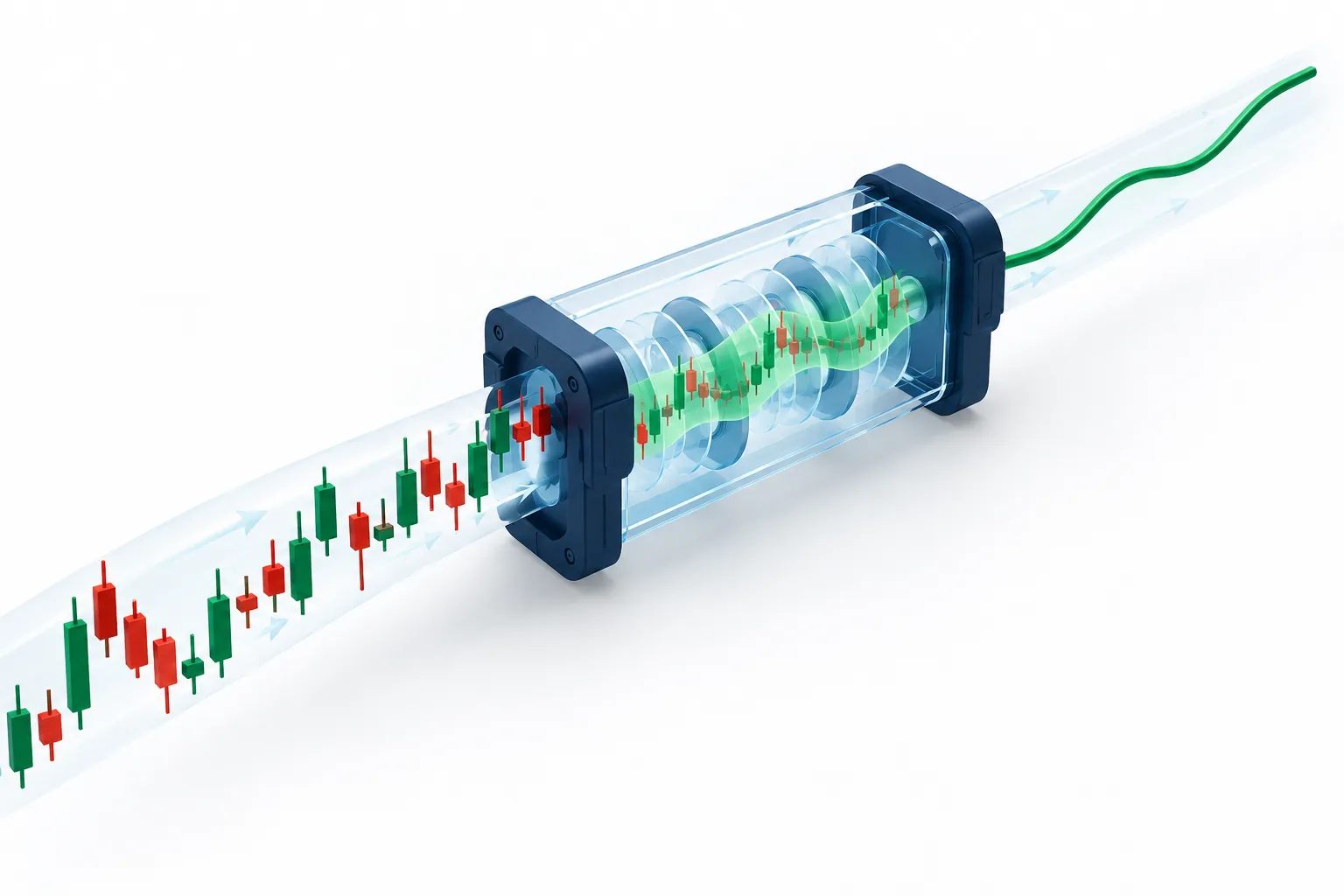
Pine is TradingView’s chart-focused programming language for custom indicators and strategies. This beginner lesson builds a moving average: a rolling average of closing prices displayed over price action, meaning the market’s actual price movement. The official first-steps primer recommends working with existing tools before reading and writing your own.
An indicator displays calculations. It doesn’t establish that a trade has favorable risk-reward, meaning potential gain relative to potential loss.
Primer: top reasons to learn Pine
Save precious time: replace repeated visual checks with a defined calculation.
Be more efficient: expose settings instead of editing the same expression repeatedly.
Improve your edge: make an assumption testable. An average can describe direction; it cannot prove that the next move will continue.
Understanding scripts: language fundamentals and concepts
Pine scripts contain a declaration and instructions. Variables name values; functions perform jobs. The script structure documentation explains how these pieces fit together.
Because Pine runs within the platform, beginners avoid installing packages or arranging a separate price feed. The trade-off is less freedom than a general-purpose programming environment.
How do you write your first indicator step by step?
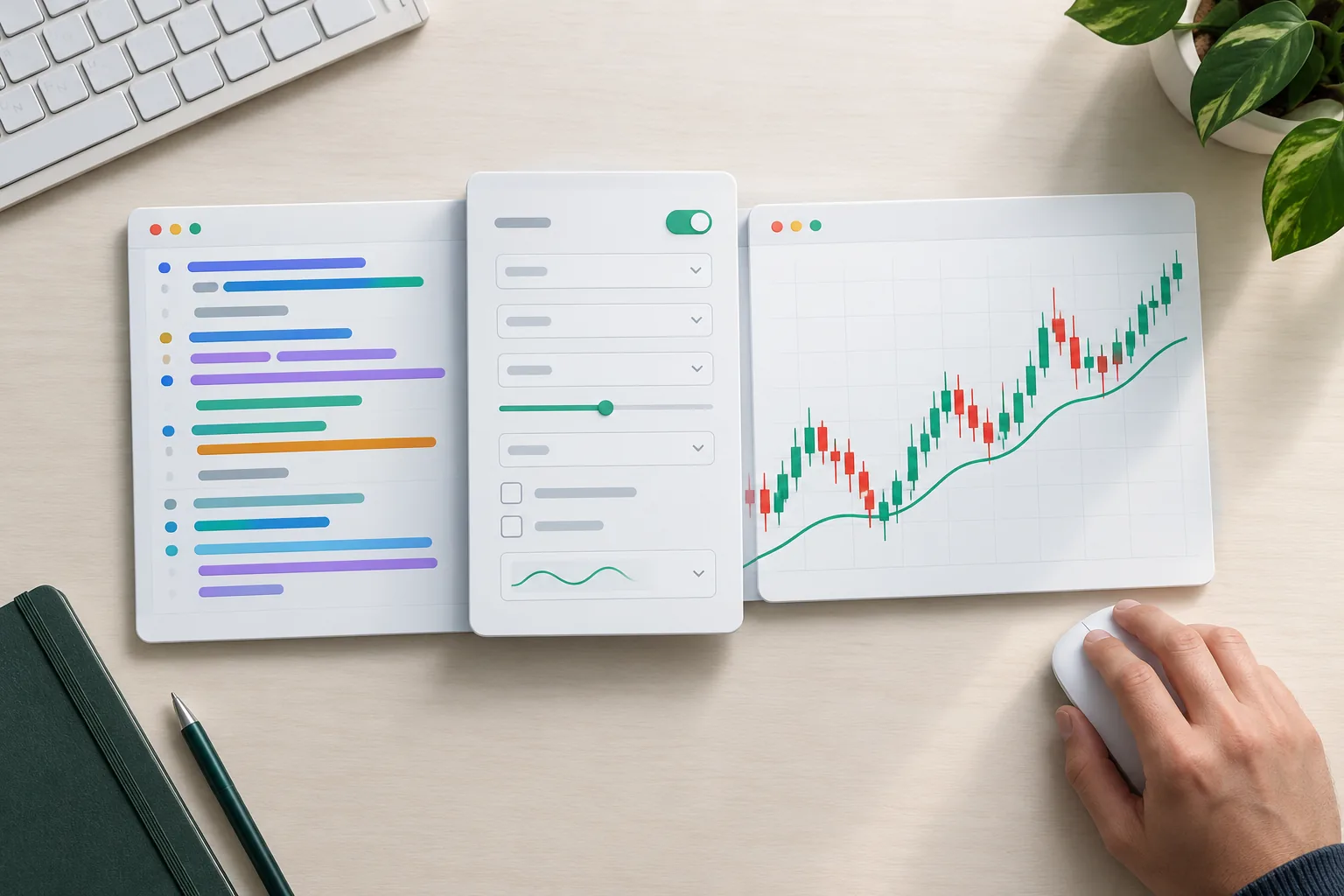
Open the Pine Editor from a desktop chart, create a blank indicator, replace the template, and select Add to chart. Keep the example small enough that you can explain every line before changing it.
Pine Editor: first script and code example
Start with this Pine code. The sample length is an editable teaching choice, not a recommended trading setting.
//@version=6
indicator("Alpha average", overlay=true)
length = input.int(20, "Length", minval=1)
average = ta.sma(close, length)
plot(average, "Average", color=#1F5E43, linewidth=2)
The version annotation selects v6. The declaration names the tool; overlay=true places it over price rather than in a separate pane. The reference manual documents these parameters.
Save the script under a recognizable name. Open its settings, change the length, and check whether the average becomes smoother as the window grows. If nothing appears, check the Editor message area before adding more instructions.
Variables, Type, and functions: understanding each line
length = ... defines a variable containing the selected window. average holds a series, meaning values that develop across successive candles. close supplies closing-price data.
These building blocks are used throughout beginner examples:
| Building block | What it does | Example | Common mistake |
|---|---|---|---|
indicator() | Declares the tool | overlay=true | Expecting simulated orders |
plot() | Displays values | plot(average) | Putting it inside a local conditional |
ta.sma() | Calculates an average | ta.sma(close, length) | Using an invalid length |
input.int() | Adds integer settings | minval=1 | Allowing unusable values |
alertcondition() | Exposes an alert condition | ta.crossover(fast, slow) | Assuming an alert is already running |
Execution model, series, and the Pine runtime environment
Pine processes historical candles sequentially. On an open candle, an indicator can recalculate as updates arrive, so unfinished results can change. The official manual explains this execution model.
A series is like a running notebook: each completed bar contributes another entry. History references retrieve prior entries. The Pine runtime handles the repeated execution, so beginners usually need built-in functions rather than explicit loops.
Who should learn Pine: day traders, swing traders, scalpers, or long-term investors?
Pine fits day traders and swing traders who want repeatable visual checks. A long-term position investor can also track trend conditions, while a scalper must account for changing prices, alert delays, and fills that may differ from a displayed marker.
For a swing trader, a clean setup might combine an average with support and resistance, meaning areas where price previously found buyers or sellers. For a day trader, session VWAP can provide context. Neither replaces position sizing or a stop loss.
Sourced facts for beginners
3 structural components: a version annotation, declaration, and body organize a typical Pine program. Structure
12, 26, and 9: the official MACD exercise uses these lengths to explain exponential averages and a signal calculation. First steps
2 Boolean states in v6: Boolean values are true or false; Boolean
nais no longer supported. Migration documentation
These are documented mechanics, not win-rate statistics.
How much does Pine cost, and how long does learning take?
You can begin writing with a free account, although platform allowances and some market feeds depend on your plan. Check the platform overview and free chart comparison before paying for extras.
A simple average is a reasonable evening project, not a guaranteed learning deadline. Independent debugging takes practice. Keep your first learning milestone concrete: explain the calculation without reading someone else’s comments.
Top 5 Pine features beginners use first
The most useful early features reduce typing and make results easier to inspect. These capabilities appear throughout the official introduction and reference material.
- Adjustable inputs: change a window without rewriting the calculation.
- Technical-analysis functions: calculate averages and momentum using built-ins.
- Plots: turn calculated values into visible output.
- Alert conditions: expose rules for separately configured notifications.
- Readable source: inspect open-source scripts before trusting their behavior.
For notification selection beyond this lesson, read the stock alert apps comparison.
How does Pine compare to other programming tools?
Choose Pine for chart-native calculations with minimal setup. Choose Python for research involving external datasets, custom analytics, or portfolio-level work; that flexibility brings more installation and data-management work.
Conversion from other platforms and alternatives
ThinkScript suits thinkorswim users. EasyLanguage suits TradeStation workflows. NinjaScript suits NinjaTrader users comfortable with C#. Python suits broader programming and research.
Conversion means translating behavior, not replacing a few names. Session definitions, historical inputs, and order assumptions can differ.
Built-in studies are the simplest alternative when your desired calculation already exists. For a different charting workflow, compare TrendSpider versus TradingView.
“study” versus “strategy”: can Pine create automated bots?
Older scripts may declare study(); modern examples declare indicator(). A strategy declaration supports simulated orders, but a simulation does not automatically send trades to a broker.
Alerts can connect to outside automation, which adds separate failure points. Keep this lesson visual, and read what to know before automating trades before connecting real funds.
Drawbacks: Pine has platform resource limits and restricted access to outside services. It also cannot make a historical result account for every live trading condition.
What are the most common Pine beginner errors?
The common failures are mismatched syntax, invalid inputs, and confusing unfinished values with confirmed results. A script that compiles can still describe the wrong rule.
Troubleshooting Pine code: debug and test
Read the first editor error before fixing later messages. Check spelling, brackets, indentation, and whether a function belongs to the selected version.
Compare your average with the platform’s built-in average using matching settings. Then inspect another symbol and interval. If values disagree, check the source price and session before blaming the platform.
For MACD, compare all outputs: the MACD curve, signal curve, and histogram. The official next-steps material points readers toward deeper documentation.
Watch live behavior too. A crossing may appear during a bar and disappear before the close. Confirmation reduces this particular risk, but does not fix every repainting problem.
Release notes: what changed between v4, v5, and v6?
The v4-to-v5 transition introduced namespace changes such as sma() becoming ta.sma(), and study() becoming indicator(). In v6, numbers no longer implicitly become Boolean conditions; write an explicit comparison instead.
The v6 migration notes also cover removal of transp. Check release notes before combining examples from different generations.
Respect copyright notices and TradingView, Inc. licensing terms rather than treating all public material as reusable source.
Where do you go from here with a Pine mastery course?
Continue with the official MACD exercise after you understand the average. A useful course should teach you to read unfamiliar calculations, diagnose errors, and describe limitations, rather than memorize a profitable-looking screenshot.
What is this course, and what comes next?
This pine script tutorial is an introductory lesson, not a paid Pine Script Mastery Course or a claim of certification. For further study, follow the official learning sequence .
If you search for a tutorial PDF, W3Schools lesson, or YouTube walkthrough, inspect its opening version annotation. A saved PDF can age; a confident presenter can still teach old syntax.
Community searches on Stack Overflow, Telegram, or Reddit may surface useful troubleshooting, but verify answers against the manual. There is no need to add unfamiliar calculations just because a stranger posted impressive results.
Our Take
Your next step is to generate a basic example, paste it into the editor, and explain every calculation before adding alerts. Keep the original saved so you can reverse a bad edit.
Paper trade it first. Getting stopped out is expensive enough without discovering that your rule meant something different from what you intended. For the next learning stage, read how to backtest without fooling yourself.
References
This article uses documentation-based desk research, not claimed hands-on testing or measured trading performance. The linked manuals are living documents; no publication years have been invented.
- Release Notes
- First Steps
- To Pine Version 6
- Pine Script Docs
- Script Structure
- Welcome
- tradingview
- Next Steps
Looking for more tools beyond this lesson? Compare categories and prices in the FullStack Alpha directory before adding another subscription.
Affiliate disclosure: FullStack Alpha may earn a commission from qualifying purchases through affiliate links.
By Jay Rocco, Founder and Editor, FullStack Alpha.
Stay alpha.
Frequently Asked Questions
Is pine Script easy to learn?
Pine is approachable for simple averages and visual rules because the platform supplies market information and the display. The harder part is understanding changing values and historical assumptions. Begin with a short example, edit a setting, and explain the change. The official [primer ](https://www.tradingview.com/pine-script-docs/primer/first-steps/) follows that practical sequence.
What coding language does Pine Script use?
Pine is its own programming language, created for the platform’s indicators and strategies. It is not Python or JavaScript, even though some expressions may look familiar. Follow its own syntax and execution rules. The [reference manual ](https://www.tradingview.com/pine-script-reference/v6/) is the right place to verify parameters and return types.
Can ChatGPT write a pine Script?
ChatGPT can draft source and explain compiler messages, but its output can contain invented functions, outdated syntax, or faulty logic. Ask for a small v6 example with stated assumptions. Compile it, compare outputs with known calculations, and check unfamiliar calls against the [official reference ](https://www.tradingview.com/pine-script-reference/v6/) before relying on it.
What is the difference between pine Script and Python?
Pine is built for calculations inside a charting platform. Python is a general-purpose option used for tasks such as external research, file handling, and machine learning. Pine reduces setup for visual studies; Python offers wider control with more responsibility for inputs and infrastructure. The [Pine introduction ](https://www.tradingview.com/pine-script-docs/welcome/) explains its intended scope.
Can I publish my indicator and make money?
Publishing scripts and earning money are separate questions. Publication can share your work, while paid access introduces vendor rules, moderation, support, and licensing duties. Keep early experiments private until their behavior is clear. Review the publishing information linked through the [manual ](https://tradingview.com/pine-script-docs/) before offering access or making performance claims.
How should I test before trading?
Compare calculations with a known equivalent, inspect closed candles, and observe changing live values without placing orders. Record mismatches instead of adjusting settings until the picture looks attractive. If you later build strategies, include trading costs and realistic fill assumptions. The [manual ](https://tradingview.com/pine-script-docs/) explains the platform mechanics behind those checks.
Jay Rocco is the Founder and Editor of FullStack Alpha. He has tested 200+ AI stock tools since 2022 and run 15+ AI trading platforms on live accounts with his own money. He reviews the software. He does not tell you what stocks to buy.
