

Jay Rocco is the Founder and Editor of FullStack Alpha. He has tested 200+ AI stock tools since 2022 and run 15+ AI trading platforms on live accounts with his own money. He reviews the software. He does not tell you what stocks to buy.
Last updated: September 30, 2026
Alpaca API keys connect your bot to your brokerage account. Generate them in the correct environment, keep the secret outside your code, and replace exposed credentials immediately. Start with paper credentials. A working connection should not become an expensive security experiment. 9
The Short Version
- Alpaca provides free credential generation; paid market data feeds are a separate question. 4
- Paper and live environments require separate credentials. 5
- Python scripts should receive secrets through private runtime configuration, never hard coded. 9
- GitHub repositories must never contain working credentials. 9
- Regenerating a key means updating every connected application. 4
- Authentication does not automatically grant every product or feed entitlement. 2
If Your Key Leaks: The 5 Step Response
Pause new order submissions before you touch anything else.
Create new keys in the dashboard. The old secret stops working.
Review open orders, positions and recent activity for anything you did not place.
Swap the new keys into each deployment, then restart and test with a read request.
Scrub GitHub history, logs and screenshots. Deleting a .env file does not revoke access.
Bookmark this. You will not want to read a long guide while a stranger has access to your account.
What Are Alpaca Credentials, and What Can They Reach?
Alpaca credentials identify and authenticate software making requests to its APIs. The Trading API connects a personal bot to account information and order execution; the Market Data API supplies prices under separate feed entitlements. 4 6
Each key ID comes with a private secret. REST requests send them through the APCA-API-KEY-ID and APCA-API-SECRET-KEY headers, never through a public webpage or a shared prompt. 8
Authentication checkpoint: Alpaca documents 2 credential headers for key-based requests. Treat the pair like the keys to your account, because that is what they are. 8
Trading data, market data, and broker access
Trading API data includes positions, balances, and orders. Alpaca data products include historical and real-time prices, with coverage that depends on your feed. Check crypto and options access separately. 6
The Broker API is for businesses building brokerage apps. A first-time personal bot builder needs the Trading API. Review the Alpaca directory profile before choosing surrounding software, and see how Alpaca stacks up against other brokers that let a bot place real orders.
How Do You Generate Alpaca API Keys?
Generate alpaca api keys inside the Alpaca dashboard after selecting Paper Trading or your live brokerage account. Copy the secret into private storage the moment it is shown, and pair the credentials with that environment’s base URL. 4
- Sign in through Alpaca’s official site.
- Select Paper Trading for development.
- Open API Keys and select Generate New Keys.
- Save the key ID and secret in a password manager or private .env file.
- Make a read request before enabling orders. 4 5
Your keys belong in your deployment configuration. They do not belong in screenshots, support posts, AI chats, or GitHub issues. 9
How do authentication permissions work?
Successful authentication proves Alpaca accepted the credentials. It does not prove the account has options approval, crypto eligibility, margin, or access to a particular market data feed. Check product permissions before enabling execution. 2
A denied data request often means a subscription mismatch, not a bad key. Read the error before regenerating anything. 3
Environment checkpoint: Alpaca separates 2 environments, paper and live, with distinct credentials. Paper keys will not authenticate against the live host. 5
How Should You Store Alpaca API Keys Safely?
Store alpaca api keys in a secret manager in production, or a private local .env file during development. Keep that file out of version control, restrict who can read it, and load secrets only into the process that needs them. 9
Paper versus live: choose the correct base URL
| Environment | Base URL | Create in | Risk | Safe practice |
|---|---|---|---|---|
| Paper | https://paper-api.alpaca.markets | Paper dashboard | Simulated execution | Development only |
| Live | https://api.alpaca.markets | Live dashboard | Real money | Separate deployment secrets |
These trading hosts are different from Alpaca’s market data host. Copy the right endpoint from Alpaca’s documentation. 4 3
Environment files and GitHub
Add .env and any credential files to .gitignore before you create them. An ignore rule cannot remove a secret already committed to GitHub history. If a key was committed, replace it first, then clean the repository history. 9
Keep placeholders in a .env.example file. Environment variables reduce accidental exposure in source code, but logs, crash reports, shared notebooks, and compromised machines can still leak them. Never paste secrets into an AI chat. 9
Local storage checkpoint: Alpaca’s CLI documentation describes profile files protected with 0600 permissions, meaning only the owner can read or write them. File permissions do not replace production secret management. 1
Python example: a safe first connection
Install alpaca-py and python-dotenv in a private Python environment. This example only reads your account and open orders; it does not submit anything. The explicit paper=True keeps the client pointed at paper trading. 5
import os
from dotenv import load_dotenv
from alpaca.trading.client import TradingClient

load_dotenv()  # reads APCA_API_KEY_ID and APCA_API_SECRET_KEY from .env
client = TradingClient(
    os.environ["APCA_API_KEY_ID"],
    os.environ["APCA_API_SECRET_KEY"],
    paper=True,
)

account = client.get_account()
print("Status:", account.status, "| Buying power:", account.buying_power)
print("Open orders:", len(client.get_orders()))
If this prints your paper account status, your keys, base URL and permissions are wired correctly. Only then write order logic. Install alpaca-py from the official package, not a random GitHub attachment.
Who Needs Alpaca API Keys: Day Traders, Swing Traders, or Bot Builders?
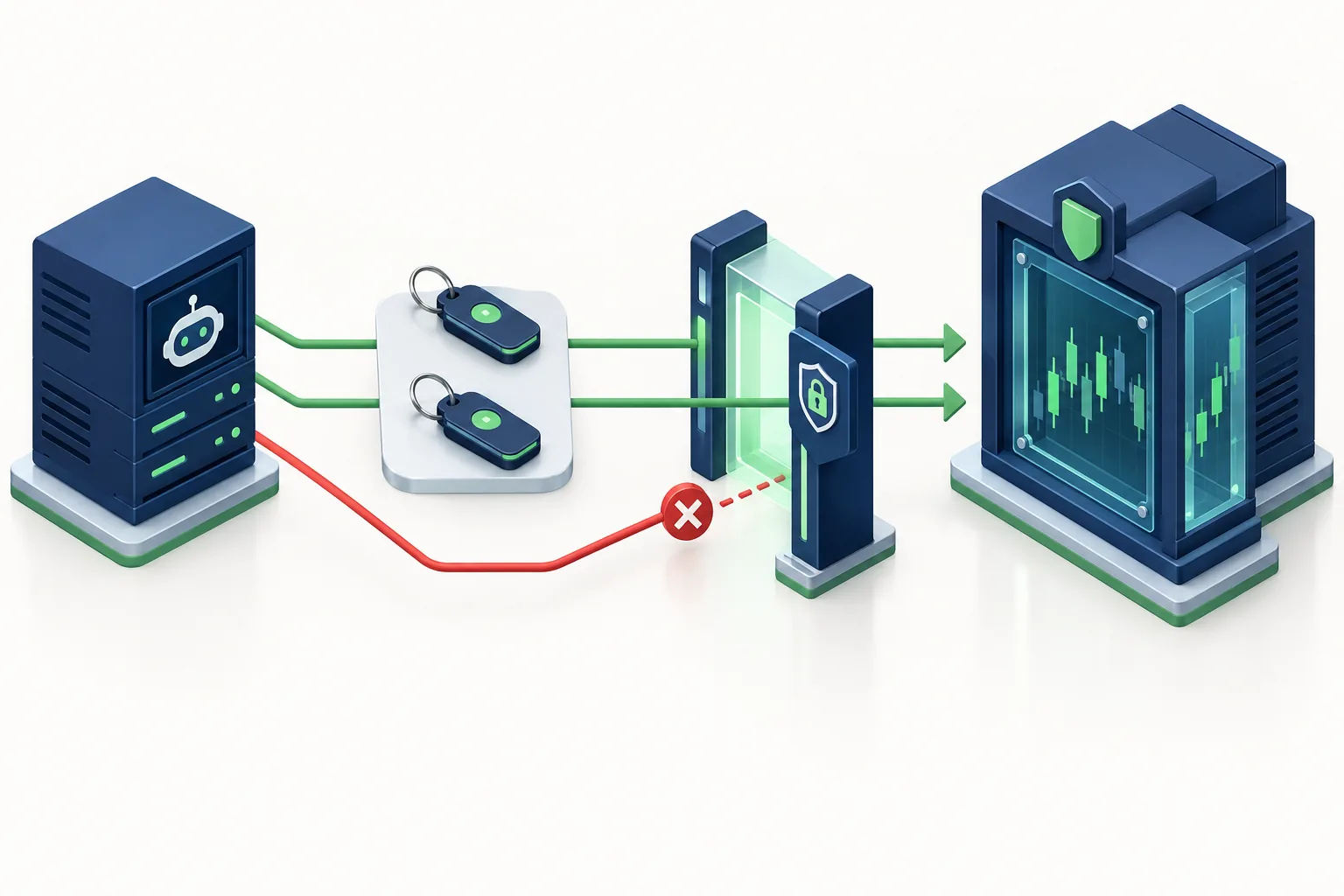
Alpaca fits developers who want programmatic research and execution through a broker connection. A day trader or swing trader can benefit from automation; a long-term investor may need only scheduled reporting, while a scalper must test latency and execution limits separately. 4
Keys solve connectivity, not strategy quality. Position sizing decides how much capital you expose. A stop loss is an exit instruction, not protection against stolen credentials.
Start with the retail AI trading guide, then check your strategy’s math with the trading expectancy calculator.
Backtest with market data: know the limits
Free access does not mean every exchange feed is included. The free plan streams the IEX feed; the full SIP consolidated feed is paid. Paper execution also cannot reproduce every live fill. These are practical limits, not footnotes. 2 5
A working connection says nothing about profitability. Keep research tools separate from broker permissions; the swing trading tools directory helps compare research workflows.
Check which Alpaca entity provides each service
Brokerage custody, securities clearing, and crypto services carry different terms. Do not assume securities protections like SIPC cover crypto. Read the Alpaca Crypto LLC terms separately if your bot trades crypto.
Top 5 Alpaca API Key Safety Habits
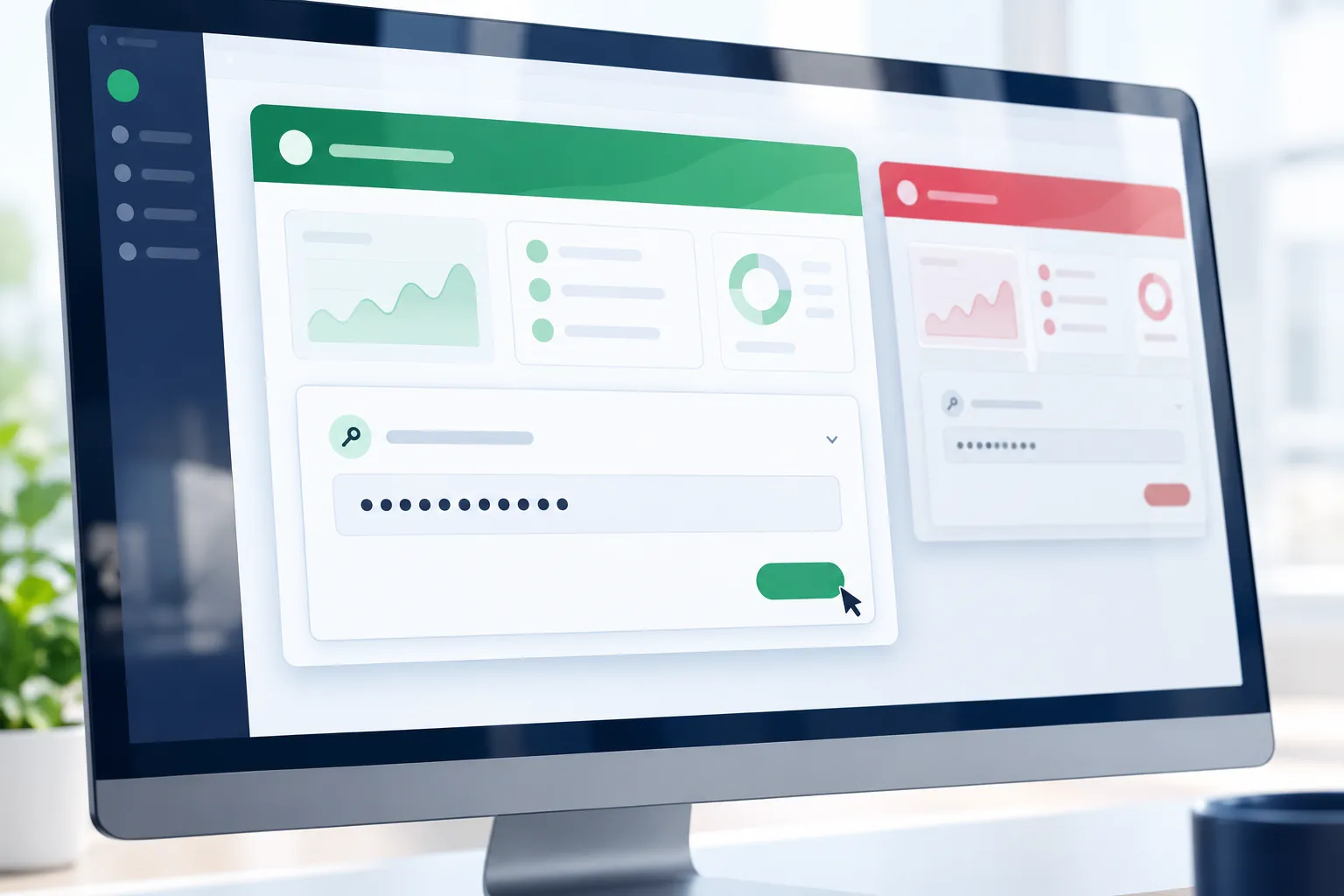
Apply these habits before your keys ever reach live execution.
- Environment isolation: keep paper and live deployments separate. 5
- Private runtime injection: load secrets outside source files. 9
- Minimal logging: redact authentication headers and sensitive responses. 9
- Controlled regeneration: keep a list of every app that uses the key. 4
- Read-first validation: confirm environment and access before enabling orders. 8
How Does Alpaca Compare to Other Broker Connections?
Pick a broker around your existing account, the products you need, and how you deploy. Alpaca is the most direct entry point for a personal bot, but the key setup should not decide your whole broker choice. 4
Interactive Brokers makes sense for global markets and futures. Tradier suits options bots. TradeStation suits traders already on its platform, and Schwab suits existing Schwab customers. Check each broker’s current developer terms rather than assuming the rules match.
Prefer less code? Read the Composer bot-building review. A visual builder still needs permission controls.
When and How Should You Rotate Alpaca API Keys?
Rotate alpaca api keys immediately after any suspected exposure, and review them whenever someone’s access to your deployment changes. Keep your own review schedule; Alpaca does not mandate one. 9
How do you revoke compromised credentials?
Stop affected automation, regenerate the credentials in the dashboard, and update trusted deployments. Contact Alpaca support if you cannot invalidate the exposed key. Deleting a local .env file does not revoke server access. 4 9
Inspect recent activity, open orders, and positions. Rotation does not close positions or cancel existing orders. Keep evidence without copying the secret into a support ticket.
Can you rotate without stopping trades?
Do not assume Alpaca supports two active personal keys at once. Pause new submissions, reconcile outstanding orders, replace the secret, restart clients, and verify access before resuming. 4
A timeout during an order submission is not proof of rejection. Check the broker’s order state before retrying, or your recovery can create a duplicate position.
Can multiple apps or strategies share one key?
They can, but shared access increases the damage one compromised app can cause. List every app using the key, isolate strategy processes, and rotate the moment any one of them is exposed. 9
Can you set expiration dates?
Do not assume personal keys have configurable expiration dates. If the dashboard does not offer one, put a review date in your own deployment notes. A calendar reminder alone does not revoke anything. 9
Our Take
Generate paper credentials, secure the local configuration, and make a read request before enabling execution. Practice the leak response above while no real money is exposed. Your alpaca api keys should have a recovery plan before they have live access. 5
FullStack Alpha’s rule is simple: systems over hacks. Write down your safeguards now, then write down who can access the secret.
Compare the tools that sit on top of a broker connection in the FullStack Alpha directory of 200+ AI stock tools.
References
The Alpaca documentation below supports the connection and security guidance. Documentation changes; check the current page before deploying.
- Alpacas Cli
- Market Data Faq
- Getting Started With Alpaca Market Data
- Connect To Alpaca Api
- Paper Trading
- About Market Data Api
- Authentication 1
- Api Key Security Best Practices For Alpaca Builders
Affiliate disclosure: FullStack Alpha may earn a commission from qualifying purchases through affiliate links.
By Jay Rocco, Founder and Editor, FullStack Alpha.
Stay alpha.
Frequently Asked Questions
How to get Alpaca free API key?
Create an Alpaca login, select the paper environment, and generate credentials in the dashboard’s credential panel. Store the secret privately when displayed. Paper access lets you develop without funding live execution. Free credentials do not include every paid market feed or waive charges associated with live activity. [4](https://alpaca.markets/learn/connect-to-alpaca-api)
Can I get API Keys for free?
Yes. Alpaca does not charge a separate fee merely to generate personal credentials. That answers “Is Alpaca API free?” only at the authentication level. Alpaca API pricing and Alpaca pricing searches may also refer to subscriptions or transaction-related costs, which are separate from generating credentials. [4](https://alpaca.markets/learn/connect-to-alpaca-api) [2](https://docs.alpaca.markets/us/docs/market-data-faq)
What is Alpaca API?
Alpaca provides programmatic interfaces for brokerage functions and price information. Developers can retrieve positions, inspect balances, and submit supported transactions through authenticated software. Its personal execution interface differs from the Broker API used for brokerage applications. Beginners should start with simulation and read requests rather than live submissions. [4](https://alpaca.markets/learn/connect-to-alpaca-api)
How to find Alpaca secret key?
Look where you securely saved the secret when generating credentials. If it is no longer available, generate a replacement through the dashboard rather than searching public repositories or attempting recovery from screenshots. Update every connected deployment afterward. Never send the secret to someone offering troubleshooting help. [4](https://alpaca.markets/learn/connect-to-alpaca-api) [9](https://alpaca.markets/learn/api-key-security-best-practices-for-alpaca-builders)
What are common mistakes with alpaca api keys?
Common mistakes include committing secrets, mixing environments, logging authentication headers, and assuming successful authentication permits every feed. Searches such as “Alpaca api keys github” or “Alpaca api keys reddit” should lead to examples and discussion, never credentials to borrow. Consult Alpaca API documentation for authentication and entitlement rules. [9](https://alpaca.markets/learn/api-key-security-best-practices-for-alpaca-builders)
What is the safest way to pass credentials to a bot?
Supply credentials through a managed secret store or private process environment. For local development, a protected `.env` file can work if your application explicitly loads it. Python and alpaca-py do not make arbitrary configuration names automatic. Verify your loader, redact logs, and keep secrets out of command history. [9](https://alpaca.markets/learn/api-key-security-best-practices-for-alpaca-builders)
Jay Rocco is the Founder and Editor of FullStack Alpha. He has tested 200+ AI stock tools since 2022 and run 15+ AI trading platforms on live accounts with his own money. He reviews the software. He does not tell you what stocks to buy.
