

Jay Rocco is the Founder and Editor of FullStack Alpha. He has tested 200+ AI stock tools since 2022 and run 15+ AI trading platforms on live accounts with his own money. He reviews the software. He does not tell you what stocks to buy.
Last updated: September 25, 2026
Quick Answer: TradingView, Webull, moomoo, thinkorswim paperMoney, Investopedia Simulator, MarketWatch Virtual Stock Exchange, and HowTheMarketWorks offer free simulated trading, with different account requirements and data limits. For a “paper trading simulator free” search, start with TradingView for charts or Webull for mobile practice; thinkorswim’s ongoing access requires a Schwab account. Free practice teaches order handling without risking your deposit, but simulated profits don’t prove you can trade profitably.
Key Takeaways
- TradingView fits beginners learning chart-based entries and exits.
- Webull fits mobile users who want to rehearse placing orders.
- thinkorswim paperMoney fits options learners, but guest access expires.
- moomoo combines paper trading with a social investing environment.
- Investopedia, MarketWatch, and HowTheMarketWorks suit portfolio practice better than fast scalping.
- Free simulation and free exchange data are different services. Check the feed before judging a strategy.
- A trading journal should record rule-following and losses, not just the account balance.
Searching “paper trading simulator free”? Which apps really cost nothing?
The apps below offer basic simulated trading without a simulator subscription. Some require registration, some reserve ongoing access for brokerage customers, and some charge separately for data or extra tools. “Free” describes the practice mode, not every feature surrounding it.
A beginner doesn’t need a paid scanner to learn how a limit order works. Paying for more buttons before learning the existing buttons is an expensive hobby.
Choose a free paper trading simulator that matches the market and device you expect to use. A polished phone app won’t help much if your eventual plan depends on a desktop options chain.
What is paper trading, and how does it work?
Paper trading lets you place simulated buy and sell orders using virtual money. The app tracks positions and profit or loss using market prices and its own fill rules. Your practice orders do not enter an exchange.
A fill is an executed order. In simulation, software decides whether your order would have filled. That decision can be more generous than an actual market, where other traders compete for available shares.
Paper trading differs from a backtest. A backtest applies rules to historical prices; paper trading lets you make decisions as prices arrive. A free trading simulator can teach the mechanics of both good decisions and bad habits.
Why do some paper trading apps charge money?
Providers may charge for exchange data, historical replay, extra chart layouts, or advanced analysis. A brokerage may instead include simulation to help potential customers learn its platform.
Before registering, check:
- Is free access ongoing or a trial?
- Must you open a brokerage account?
- Does the quoted price require a separate data subscription?
- Can you export trades without upgrading?
No deposit required does not always mean no brokerage application required. Account eligibility also varies by country.
How was this shortlist selected?
This is a desk-research shortlist based on the supplied product information and published comparisons, not a hands-on test. Public user sentiment is useful context for usability, but no user ratings, quotes, or sentiment scores are presented as verified findings.
The selection favors free access, a clear beginner use case, and useful practice functions. No Alpha Scores were supplied; none have been invented.
Which 7 free paper trading simulators are worth using?
TradingView and Webull are sensible starting points for active stock practice. Choose thinkorswim or moomoo for options study, and consider Investopedia, MarketWatch, or HowTheMarketWorks for slower portfolio learning. These are use-case recommendations, not an execution-quality ranking.
The comparison combines assets and options support in one column to keep it readable on smaller screens. Virtual balances are practice settings, not suggested account sizes.
| Simulator and platform | Assets and options support | Starting virtual balance | Market data | Best fit |
|---|---|---|---|---|
| TradingView: web, desktop | Supported chart symbols, including stocks and futures; don't assume options execution | $100,000 default; adjustable | Depends on symbol, exchange, and entitlement | Chart-based day and swing traders |
| Webull: mobile, desktop, web | Stocks, ETFs, options; other markets vary by version and region | Virtual funding can be replenished | Check instrument and quote entitlement | Mobile day and swing traders |
| moomoo: mobile, desktop, web | Stocks, options, futures; web has restrictions | Varies by market and paper account | Check market permissions | Active learners who want community |
| thinkorswim paperMoney: desktop, web, mobile | Stocks, ETFs, options, futures; platform differences apply | $100,000 simulated buying power | Confirm delay and account settings | Options and futures learners |
| Investopedia Simulator: browser | Stocks, ETFs, options | $100,000 standard account | Delayed; unsuitable for timing fast entries | Position investors and basic options learners |
| MarketWatch Virtual Stock Exchange: browser | Stocks and ETFs; game rules control availability | Set by game rules | Check quote and execution rules | Group portfolio practice |
| HowTheMarketWorks: browser | Stocks and ETFs; don't assume options support | Set by account or contest rules | Check market and game settings | Classroom and position-investing practice |
Product menus change. Check the paper account itself before building a strategy around an asset shown elsewhere in the app.
TradingView: best starting point for chart practice
TradingView’s free paper trading simulator connects simulated orders to its chart workspace. It helps day traders and swing traders rehearse entries around support and resistance, price areas where buying or selling previously interrupted a move.
Choose TradingView if your first task is learning price action, the movement of price over time. Mark your entry and exit before placing the practice order.
The drawbacks: free charting has feature limits, and market-data coverage depends on the exchange. A live-looking chart also does not establish realistic order execution.
For the charting side, see the comparison of free TradingView, Finviz, and Yahoo charts.
Webull: best fit for mobile practice
Webull’s free paper trading app helps phone-first beginners learn an order ticket without funding live trades. Its current paper environment extends beyond basic stock practice, although available markets and functions differ across versions.
Choose Webull if you expect to manage stock or ETF trades from your phone. An ETF is a fund that trades on an exchange like a stock.
The drawbacks: features are not identical across mobile, desktop, and legacy web tools. Simulated fills also shouldn’t be treated as evidence that a fast strategy will work with actual orders.
The FullStack Alpha Webull review covers the broader platform decision.
moomoo: best fit for social learners
moomoo combines free stock trading practice with charts and community discussion. It suits active beginners who want to compare ideas while rehearsing their own rules.
Choose moomoo if discussion helps you ask better questions. Keep the watchlist, your shortlist of securities to study, small enough to review before placing orders.
The drawbacks: options and futures paper trading require an app rather than the current web version. Community posts can also distract you from your plan; popularity tells you nothing about a trade’s risk.
thinkorswim paperMoney: best fit for options study
thinkorswim paperMoney lets beginners rehearse stock, options, and futures trades inside the thinkorswim platform. It is especially useful for learning an options chain, the list of contracts available at different prices and expiration dates.
Ongoing free access is for Schwab clients. Nonclients receive limited Guest Pass access, so this is not an indefinite account-free simulator.
The drawbacks: the interface takes more effort to learn than a basic portfolio game. Data permissions and simulated options fills also need scrutiny.
Choose paperMoney if learning thinkorswim itself is part of your goal.
Investopedia Simulator: best fit for basic portfolio learning
Investopedia offers a free browser-based stock simulator with virtual portfolios and educational context. It helps long-term position investors, who may hold investments for months or years, learn how orders change a portfolio.
Choose it if you want to practice buying shares, track an investment thesis, and learn terminology without a busy broker workspace.
The drawbacks: delayed data makes it a poor choice for scalping, meaning trades held for very short periods. Its interface also won’t teach the exact order workflow of your eventual broker.
MarketWatch Virtual Stock Exchange: best fit for private groups
MarketWatch Virtual Stock Exchange lets users practice inside trading games. It suits friends, clubs, and beginners comparing portfolio decisions over a shared period.
Choose it if you want a free trading simulator with community features but prefer a defined group to a public feed.
The drawbacks: game rules can differ from live-account restrictions. Leaderboards may reward oversized bets that would be reckless with savings.
Agree to risk rules before starting. Otherwise, the competition teaches who can tolerate the most pretend damage.
HowTheMarketWorks: best fit for structured lessons
HowTheMarketWorks offers free virtual stock-market practice with an education and contest focus. It helps classroom learners and position investors connect market vocabulary to portfolio decisions.
Choose it if a lesson followed by a practice trade suits you better than exploring a broker terminal alone.
The drawbacks: contest settings can limit what transfers to a live account. It is also a poor substitute for learning advanced options orders or futures execution.
Which free simulator fits day traders, swing traders, options traders, and futures traders?
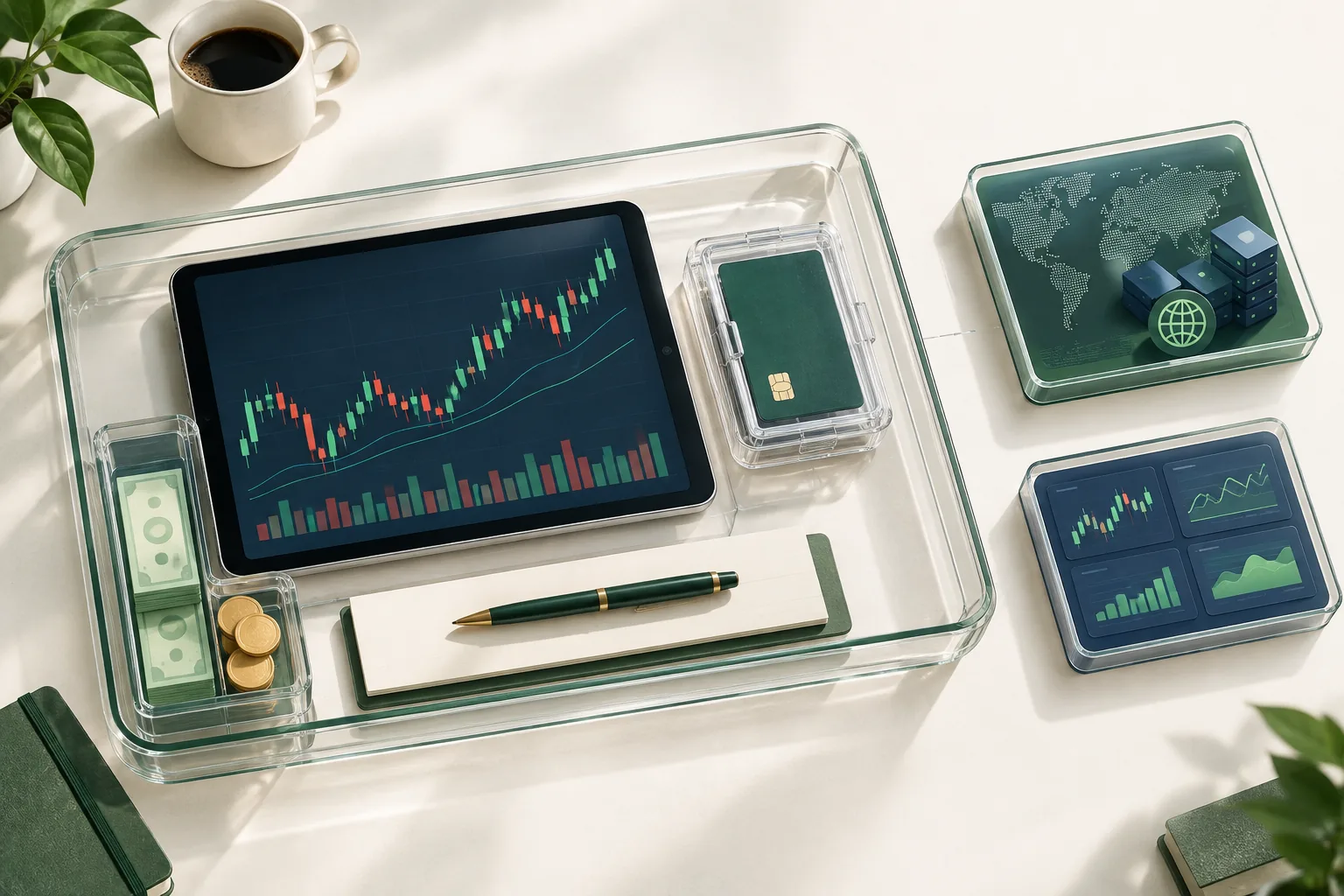
Match the simulator to your holding period and intended market. Day traders need timely quotes and suitable orders; swing traders need dependable charts and records; options and futures learners need contract-specific controls. A free paper trading app can serve one purpose well and another poorly.
What fits day traders and scalpers?
TradingView, Webull, and moomoo are candidates for stock day-trading practice. Check quote timestamps and available order types before choosing.
No free simulator should certify a scalping strategy. A small difference between expected and actual execution can erase a tiny target. That difference is called slippage.
Avoid starting with low-float stocks, companies with relatively few shares available to trade. Fast price changes and thin trading can make generous simulated fills look better than the trade deserves.
What fits swing traders and position investors?
TradingView fits swing traders studying moves over days or weeks. Investopedia, MarketWatch, and HowTheMarketWorks fit slower portfolio practice where learning allocation matters more than split-second execution.
A swing trader might practice the breakout, a move beyond a prior price range. Record the setup, meaning the conditions required before entering, rather than buying every green candle.
The stock screener guide for swing trading can help with candidate selection after your entry rules are written.
Can you paper trade options and crypto for free?
Free options practice is available through platforms including paperMoney, Webull, and moomoo, with feature and regional limits. TradingView and some Webull environments also offer simulated crypto markets, but crypto selection is outside this stock, options, and futures guide.
For options, confirm support for the actual strategy. A single-contract order does not teach how a spread, a position combining multiple contracts, behaves.
Use the AI options tools directory for research tools, not as a replacement for contract education.
Which free simulator fits futures traders?
TradingView and paperMoney are candidates for futures practice; moomoo also offers futures simulation in supported app environments. Verify the contract, data entitlement, and session hours.
A futures contract’s smallest price step is a tick. Learn its cash value before placing a simulated order. A familiar-looking chart can conceal a very different amount of risk.
Sourced balance snapshots
TradingView: $100,000 default virtual balance. Reset the practice balance to something close to your planned funding, rather than treating the default as a spending target.
thinkorswim paperMoney: $100,000 in simulated buying power. The displayed buying power is a training allowance, not a suggested live deposit.
Investopedia Simulator: $100,000 standard virtual account. Keep your position sizes realistic even if the account starts much larger than your savings.
Top 5 features of a good free paper trading simulator
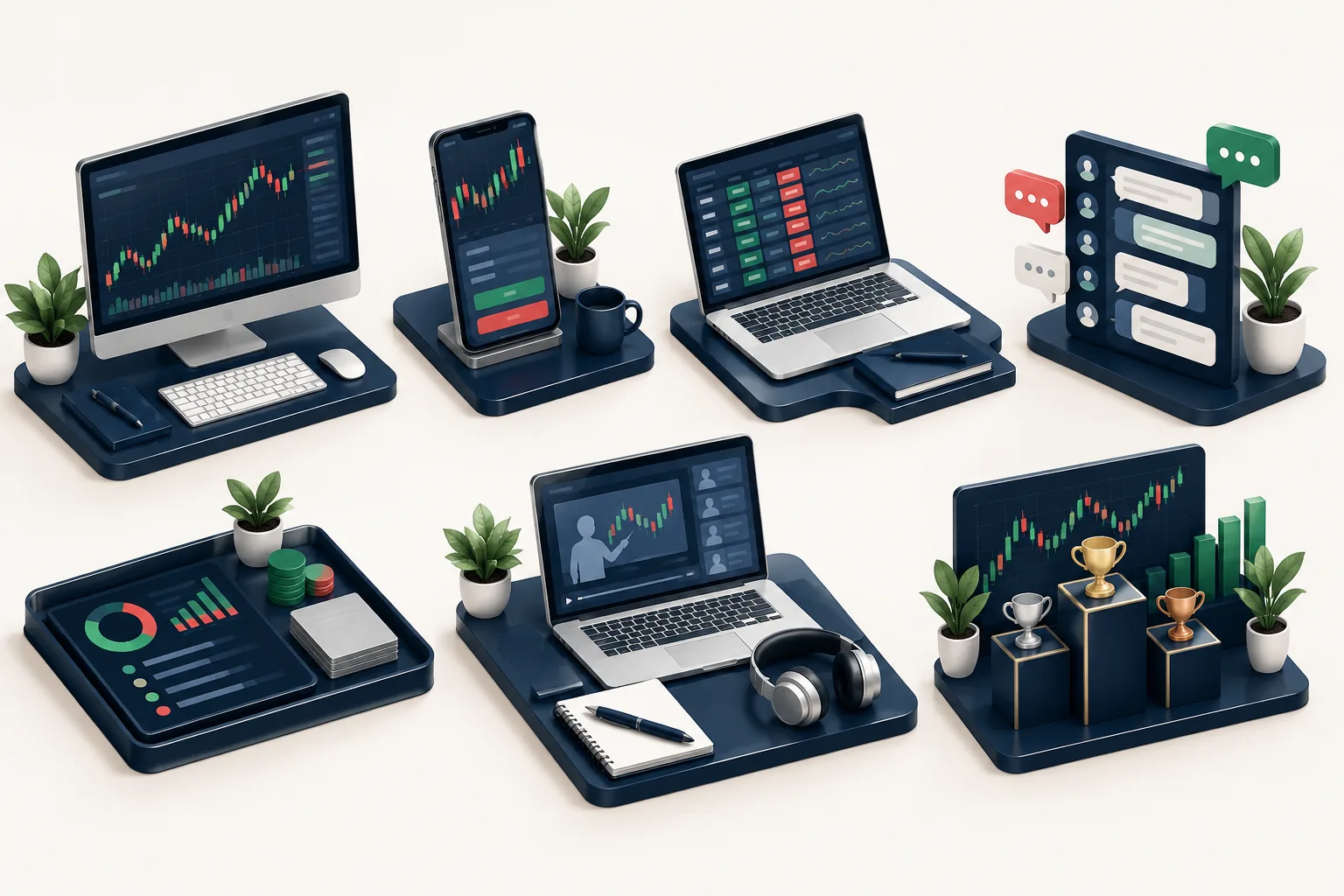
A useful free paper trading simulator lets you rehearse decisions and review mistakes. Extra indicators can wait until the basic workflow makes sense.
- Visible data status: You can tell whether quotes are current, delayed, or from a limited feed.
- Relevant order types: You can practice the market, limit, and stop orders your plan needs.
- Realistic account sizing: You can adjust virtual funds or enforce a smaller budget manually.
- Usable trade records: You can review entries, exits, and reasons without relying on memory.
- Clear practice mode: You can tell simulated trading apart from live order entry.
A market order seeks execution at available prices. A limit order sets your maximum buying price or minimum selling price. A stop loss is a planned loss-control order, but its trigger does not guarantee the eventual execution price.
If your free simulator lacks trade exports, keep a simple journal beside it. Don’t abandon useful practice because the spreadsheet isn’t glamorous.
How does it compare to competitors?
Webull favors mobile order practice, moomoo adds social context, thinkorswim offers a fuller contract-trading workspace, and TradingView centers the experience on charts. The useful comparison is the task you need to learn, not the largest feature list.
For a beginner, choose TradingView for chart-based decisions, Webull for phone workflow, moomoo for community-supported learning, or paperMoney for thinkorswim-specific practice.
Which free paper trading app feels most like real trading?
The simulator attached to your intended live platform usually feels most familiar because the order controls and layout carry over. Webull, moomoo, and thinkorswim have that advantage for users planning to trade there.
Familiar controls still do not mean realistic fills. A simulator can teach you where the brake pedal is without reproducing a wet road.
How accurate are free paper trading apps?
A free simulator can track prices accurately while modeling execution poorly. Data accuracy, order-fill accuracy, and your emotional response are separate questions.
Check the quote timestamp and feed name. For stocks, ask whether the displayed data covers the market broadly or only selected trading venues.
Then inspect the assumptions: does a limit order fill whenever price touches it? Are partial fills possible? Does the simulator account for fees and borrowing costs?
How does paper trading differ from real trading?
Live trading adds competition for available liquidity, meaning shares or contracts offered at each price. It also adds actual financial consequences, which can change your behavior.
Paper accounts may simplify short-selling restrictions, contract assignment, settlement, or account rules. Don’t infer live eligibility from a simulated order being accepted.
A practice stop working perfectly does not guarantee a live stop fills at the same price. Overnight gaps and fast markets can produce a larger loss.
Are older “best free simulator” lists still useful?
Older rankings can suggest names, but they cannot settle current access terms. Check account requirements, supported markets, and data permissions again in 2026.
A discontinued guest offer or a changed mobile feature can turn an old recommendation into wasted setup time.
How do you know you are ready to move from paper to live trading?
You need evidence that you can follow a written process and understand its losses. A rising practice balance alone is weak evidence, especially if you kept changing the strategy or resetting bad results.
Can you learn trading without risking money?
Yes. Free simulated trading can teach order entry, position sizing, and recordkeeping without exposing a deposit to market losses. It cannot fully reproduce the pressure of losing money you worked to save.
Position sizing means deciding how much to buy based on the loss you can accept. Start with that calculation before choosing a profit target.
For supporting arithmetic, use the free trading tools and calculators.
Does paper trading help you make money in real trading?
Paper trading can help you find process errors before they cost cash. It does not establish that a strategy will make money after costs and imperfect execution.
Measure expectancy, the average result per trade:
Expectancy = win rate × average win − loss rate × average loss.
Use results after assumed costs, and keep all values in the same currency. The trading expectancy calculator explains that calculation further.
How long should you paper trade before going live?
There is no dependable calendar deadline. Keep practicing until your journal contains enough examples of your setup, including losses and difficult conditions.
A swing trader may need longer than a day trader to collect comparable trades. A profitable stretch during a strong market does not show how the same rules behave in choppy tape, price movement with frequent reversals.
What mistakes should beginners stop repeating?
Resetting losses erases useful evidence. Oversizing a virtual account hides the risk you would face with a smaller deposit.
Watch for revenge trading, taking another trade to recover a loss, and overtrading, placing trades outside your rules. Record both as plan failures even if the trades happen to win.
Getting stopped out means your loss-control exit triggered. Moving the stop farther away just to avoid that outcome changes the original risk.
Our Take
Choose one free paper trading simulator today and practice the order workflow you expect to use later. Set a realistic virtual budget, write an entry and exit rule, and save every trade, including the ugly ones.
Keep the first review focused: did you follow the plan, and what happened when you were wrong? Fund a live account only after checking the broker’s current rules and deciding what loss you can afford. Paper trade it first.
References
FullStack Alpha’s directory lists 200+ tools by category and price, so you can compare research tools after choosing your practice platform.
Browse the FullStack Alpha directory.
Affiliate disclosure: FullStack Alpha may earn a commission from qualifying purchases through affiliate links.
By Jay Rocco, Founder and Editor, FullStack Alpha.
Stay alpha.
Frequently Asked Questions
What is the best free stock trading simulator?
TradingView is a useful starting point for chart-based practice. Webull suits mobile learners, while Investopedia suits beginners studying portfolio decisions. The best free stock simulator depends on the task you need to rehearse.
Is paper trading 100% free?
Basic paper trading can be free. Exchange data, premium charts, or access after a guest trial may carry conditions or costs. Check the difference between a free simulator and the platform’s paid extras.
Does paper trading work like real trading?
Paper trading copies order entry and position tracking, but simulated fills may simplify liquidity, costs, and restrictions. Financial pressure also changes once actual savings are at risk.
Which “paper trading simulator free” result needs no brokerage account?
TradingView and educational simulators such as Investopedia let users practice without opening a live brokerage account. Registration may still be required, and free access does not include every data feed.
Can a free paper trading simulator use realistic market data?
Yes, but market-linked quotes do not guarantee realistic fills. Check the exchange, delay indicator, and data entitlement before using a free paper trading simulator for entry timing.
Which free simulator has community features?
moomoo offers social discussion, while MarketWatch and Investopedia support group or game-based learning. Use shared ideas as research prompts, not instructions to copy another person’s trades.
Why is a paper order not filling?
The market may be closed, your limit price may not have traded, or the simulator may not support that order or instrument. Check the order status, session settings, and quote timestamp before submitting duplicates.
Can simulated trading profits be withdrawn?
No. Paper-account gains are virtual bookkeeping entries, not cash you own. A practice balance helps measure decisions inside a simulation; it cannot fund a withdrawal.
Jay Rocco is the Founder and Editor of FullStack Alpha. He has tested 200+ AI stock tools since 2022 and run 15+ AI trading platforms on live accounts with his own money. He reviews the software. He does not tell you what stocks to buy.
